Resize PDF to 450KB: Compress Multi-Page Documents for Submission Portals
Meet 450KB upload ceilings for regulatory filings, corporate contracts, scholarship portals, and technical dossiers without losing clarity on fine typography, signatures, or official stamps.
Overcoming Strict Upload Ceilings on Multi-Page Documents
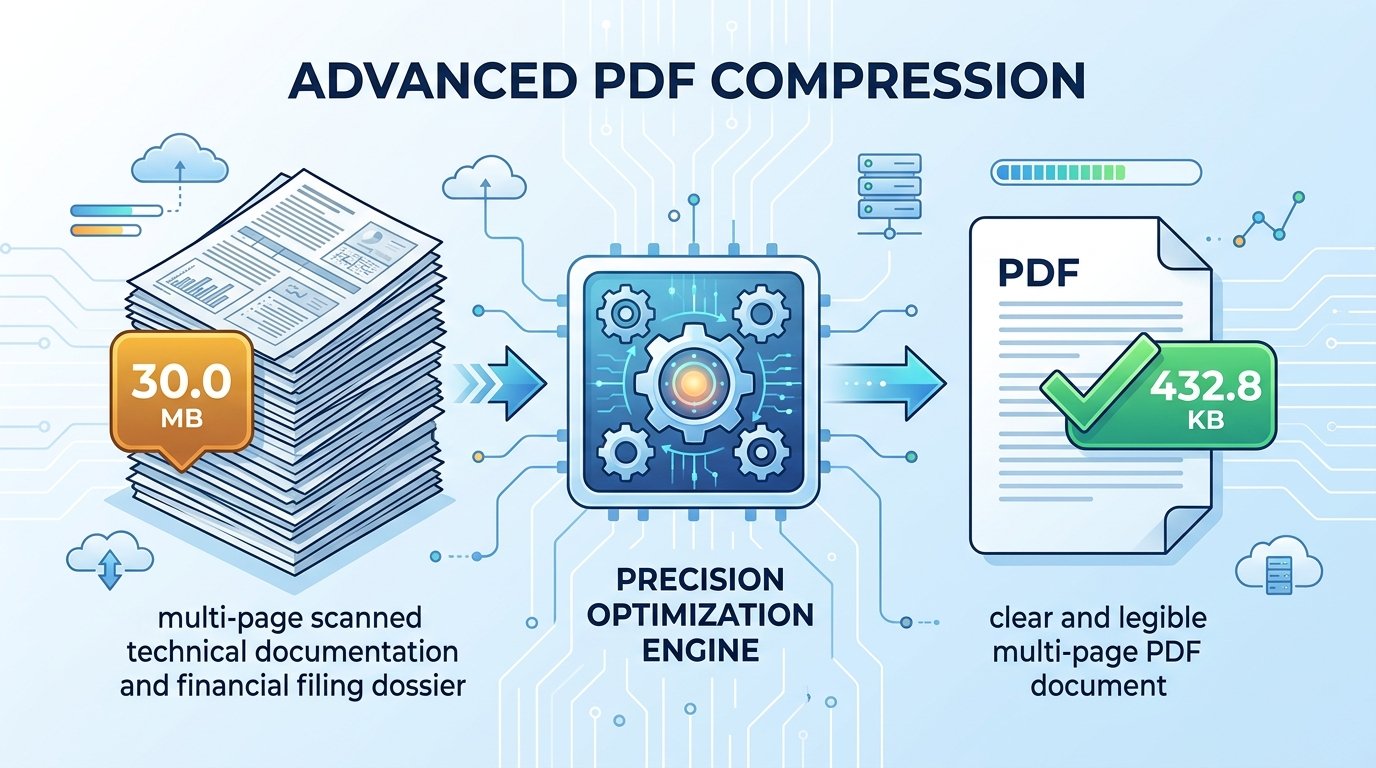
Many submission systems set an upload threshold of 450KB for multi-page documents. Whether submitting annual corporate audit packages, architecture project sheets, engineering compliance dossiers, or complex legal exhibits, applicants frequently encounter strict portal validation errors indicating that their PDF exceeds the allowed 450KB limit. Scanners and modern smartphone camera apps generally produce PDF scans ranging from 15MB to 35MB. When forced to reduce PDF size to 450KB, finding a reliable method to downsize the file without damaging essential text, schematics, or institutional stamps becomes a serious challenge.
A 450KB cap is widely used by institutional servers because it strikes an effective balance between system efficiency and document detail. It is small enough to prevent server crashes during high-traffic registration windows, yet roomy enough to accommodate multi-page technical dossiers, financial reports, and legal agreements. However, basic desktop compression software often applies crude, indiscriminate downsampling across every page, causing critical figures to blur and small print to become unreadable.
ToolMela solves this issue directly with this dedicated PDF compressor 450KB utility. By optimizing document structure, stripping redundant internal metadata dictionaries, and balancing image compression parameters, our tool allows you to compress PDF under 450KB while preserving clean typography, legible dates, and verifiable signatures. Anyone can resize PDF to 450KB online free from their desktop or mobile browser. Whether you need to compress document to 450KB PDF format or convert PDF to 450KB for procurement portals, the process runs cleanly and securely.
Why People Use This Tool
Reaching approximately 450KB gives multi-page bundles ample byte room to keep tables, schematics, headings, and signatures legible.
Processing runs inside your web browser memory, eliminating the need to transmit personal paperwork to remote servers.
Calculations take place locally on your device hardware, returning an optimized document in just a few seconds.
Compatible with modern browsers on Android, iPhone, iPad, Windows, and Mac without installing external software.
Outputs clean PDF documents with no promotional watermarks, stamps, or altered headers.
Requires no registration, account login, or subscription to process and download your document.
How to Use the Tool
Open the Resize PDF to 450KB Tool
Access the tool page on ToolMela.com using your preferred browser on any mobile device, laptop, or desktop computer.
Select Your PDF Document
Click the "Choose File" button to select your PDF, or drag and drop your document into the designated upload area.
Automatic In-Browser Compression
The engine scans embedded images and font subsets, calibrating page data to approach the 450KB target.
Review the Processed Size
Check the confirmed file size displayed on screen to make sure it satisfies your destination portal's upload threshold.
Download Your Finished File
Click the "Download PDF" button to save the newly optimized file onto your device storage.
Understanding the Output
Before submitting your processed document to an online portal, verify key document attributes to avoid unexpected delays:
- Final File Size: Confirm that the saved file is strictly equal to or below 450KB (460,800 bytes) in your operating system's file inspector.
- Text Legibility: Zoom in on multi-column tables, fine print disclaimers, marks totals, and dates to verify that characters remain crisp and legible.
- Official Signatures and Stamps: Confirm that administrative signatures, watermarks, and circular departmental ink stamps are clearly visible and uncorrupted.
- Page Completeness: For multi-page packets, verify that all pages remain in proper numerical sequence from first to last.
Privacy & File Handling
Legal agreements, financial reports, academic credentials, and identity dossiers contain sensitive personal data. Uploading these documents to remote cloud conversion services introduces significant confidentiality risks.
ToolMela’s Resize PDF to 450KB operates entirely inside your web browser. When you select a document, it is read and compressed locally using client-side WebAssembly scripts. The selected file does not need to be uploaded to ToolMela's servers for processing. This local execution architecture keeps your private records on your personal hardware, and once you refresh or close your browser tab, all temporary memory allocations are erased.
Useful Tips for Better Results
Ensure the source document is evenly lit, flat, and free of unnecessary background shadow before generating the initial PDF.
Trimming black borders or desktop scanner edges reduces useless data, giving the compression algorithm more byte headroom for actual text.
Always keep your original high-resolution PDF scan stored safely in case a future institution requests uncompressed files.
Double-check if the destination form also specifies a minimum DPI or maximum page count in addition to the 450KB limit.
Common Problems and Solutions
If your document contains 18 or more photographic pages or full-color high-resolution scans, fitting under 450KB without heavy downsampling may be challenging. Consider splitting the packet into smaller parts or converting color scans to grayscale.
Encrypted PDFs cannot be modified by the compression engine. Remove password restrictions before uploading the file to the tool.
When source scans are captured at low contrast, compression can soften thin text. If possible, rescan the document with higher contrast or adjust lighting before processing.
Frequently Asked Questions
Why do certain submission systems require PDFs under 450KB?
Many regulatory gateways, public sector tender portals, and municipal permit platforms process thousands of multi-page technical submissions daily. Setting a 450KB ceiling prevents database storage strain, avoids timeout crashes during peak submission traffic, and ensures swift downloads across mobile networks while giving users ample byte headroom for multi-page documents.
How many pages can comfortably fit into a 450KB PDF?
For clean, text-heavy PDF documents exported directly from office software or word processors, files containing 15 to 35 pages can easily stay well below 450KB. However, for scanned physical pages containing photographs, diagrams, or institutional stamps, 8 to 15 pages is typically the practical limit for preserving crisp clarity under 450KB.
Will resizing my PDF to 450KB overwrite my original document?
No. The tool processes a temporary working copy in your browser and outputs a newly compressed file. Your original PDF document on your phone or computer remains completely untouched and unmodified.
Is my personal document sent to remote servers during compression?
No. ToolMela's compressor executes entirely within your browser's local sandbox using client-side WebAssembly scripts. Your files are not uploaded to remote servers or stored in any database, and all memory data is discarded the moment you close the tab.
