Image Resizer: Scale Pictures to Exact Dimensions in Pixels, Millimeters, or Centimeters
Change image dimensions accurately for job applications, online storefronts, student registrations, and official documents without unnatural stretching or distorted proportions.
Meeting Rigid Dimension Requirements on Digital Platforms
Whether applying for competitive examinations, submitting identification documents to immigration portals, uploading catalog photos to an e-commerce platform, or configuring web layout graphics, users frequently face rigid dimension constraints. Standard smartphone cameras capture photos at resolutions like 4032 x 3024 pixels, while application forms might strictly require an image formatted to exactly 350 x 450 pixels or 35mm x 45mm. When an automated upload validator rejects an image because its width and height fail to match mandatory parameters, you need a dependable image resizer that adjusts measurements accurately.
Many basic image editing tools handle dimension changes poorly. Instead of scaling an image proportionally, they force pixels into the new bounding box by stretching or squishing the file. This creates unflattering facial distortions, turns circular corporate badges into ovals, and renders small text unreadable. Other tools provide no way to preview the crop or fail to support real-world physical measurements like millimeters or centimeters, forcing users to calculate manual resolution arithmetic.
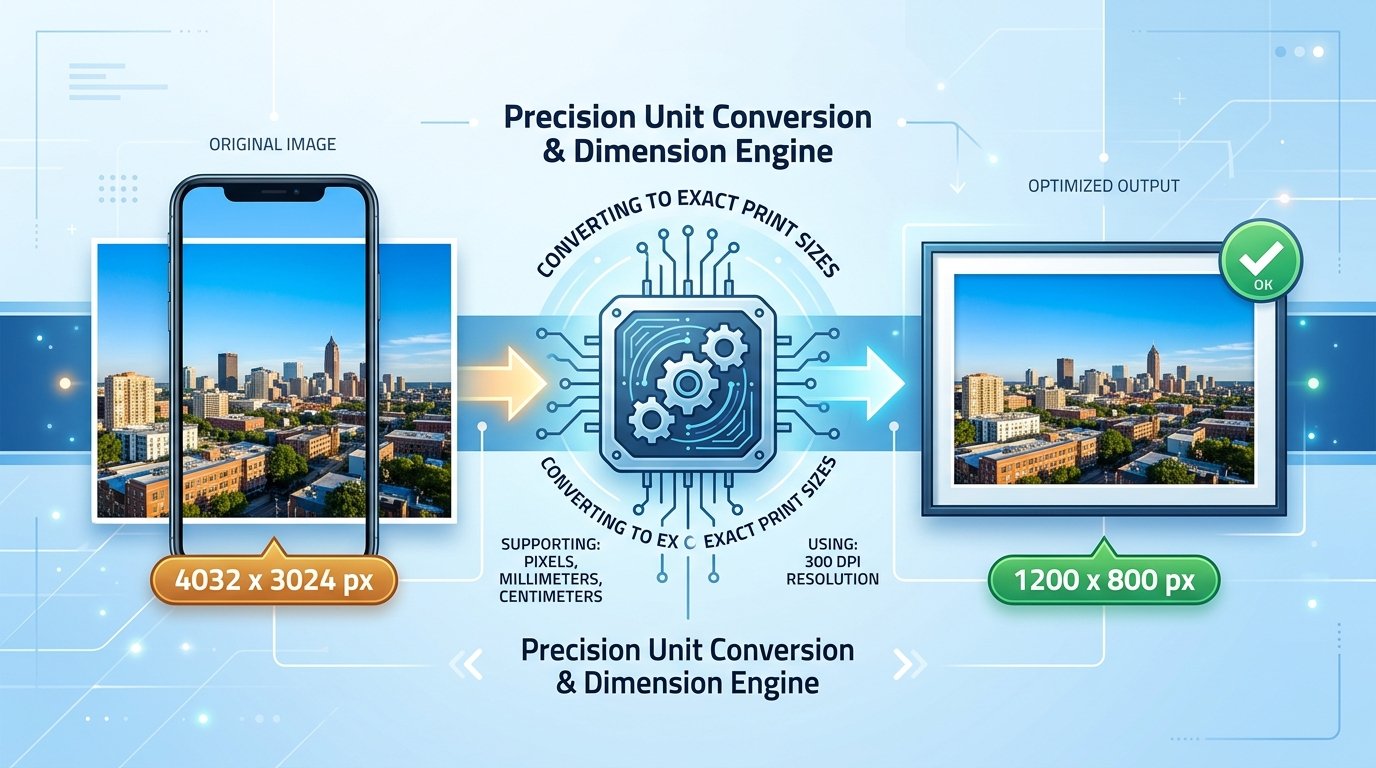
ToolMela provides a dependable, dedicated solution with this versatile photo resizer utility. Designed to help users resize image online without compromising visual balance, the tool allows you to resize image to exact pixels or convert physical units at 300 DPI. You can resize JPG, resize PNG, and change image dimensions across multiple queued files. With built-in crop and rotate controls, you can crop and resize image files before finalizing the export, ensuring that key subjects remain centered and framed properly.
Why People Use This Tool
Enter targets in pixels, millimeters, or centimeters, with physical units automatically converted at 300 DPI for print standards.
Pictures are scaled proportionally to fill your requested box without unnatural stretching or distorted facial features.
Adjust the framing, rotate by 90 degrees, or zoom into specific subjects before executing the final dimension resize.
Queue multiple files simultaneously against the same dimension target to standardize an entire photo set in a single run.
Accepts JPG, PNG, WebP, GIF, and AVIF files up to 50MB, preserving PNG transparency on export.
Outputs clean image files without watermarks, promotional stamps, or altered background canvas.
How to Use the Tool
Set Your Target Dimensions
Type your required width and height into the dimension input boxes at the top of the tool interface.
Choose Your Unit of Measurement
Select pixels (px) for web forms, or choose millimeters (mm) or centimeters (cm) for official physical print specifications.
Select or Drop Your Photos
Click the upload zone or drag and drop single or multiple image files into the processing queue.
Adjust Crop or Rotation (Optional)
If an off-center subject needs repositioning, click the "Crop" icon to adjust framing, zoom, or orientation.
Execute the Dimension Resize
Click "Resize All" to process the queued files to your specified measurements.
Download Finished Files
Save individual items with the download button on each row, or click "Download All" to export the entire set.
Understanding the Output
Before uploading your resized pictures to an external portal, check these key factors:
- Exact Pixel Dimensions: Verify that the saved image properties match the required width and height values in your device file viewer.
- Subject Framing: Because the tool scales images to completely cover the target box, inspect the edges to make sure no essential head crown, chin, or badge details were cropped out.
- Visual Sharpness: Check character clarity on scanned signatures and facial features on portrait photographs to confirm clarity is maintained.
- File Extension: Confirm the format matches your requirements. PNG, JPEG, and WebP preserve their native types, while GIF and AVIF return as JPEG files.
Privacy & File Handling
Photographs, signatures, and identity scans contain sensitive personal information. Understanding how your images are processed is critical before submitting files online.
ToolMela’s Image Resizer handles interactive cropping, rotation, and dimension previews entirely within your browser's local canvas memory. When you click the resize action, your files are processed securely through temporary memory on our dedicated image processing endpoint over encrypted HTTPS to apply precision resampling and high-quality re-encoding. Images are held in volatile memory only for the brief moment required to generate the output, returned immediately to your device, and permanently discarded without database retention or public indexing.
Useful Tips for Better Results
Downsizing large photos preserves crisp detail, whereas enlarging tiny low-resolution thumbnails results in soft or blurred edges.
If your subject is close to an edge and your new aspect ratio is different, use the crop step to position the framing manually.
Always retain a backup of your original camera capture before applying custom dimension crops and resizes.
Because one width and height applies to everything queued, process photos requiring different dimensions in separate runs.
Common Problems and Solutions
This happens when the aspect ratio of your original photo does not match the width and height you entered. Use the Crop tool before resizing to position the box around the important parts of the image.
Requesting large pixel counts from a small source file forces interpolation. Try locating a higher-resolution original photo rather than scaling up a low-res image.
GIF files are converted to high-quality JPEG images during resizing, which removes multi-frame animation. Use a dedicated GIF tool if animation must be preserved.
Frequently Asked Questions
Will resizing my picture stretch or distort people's faces?
No. The tool uses a proportional cover-fit algorithm. It scales your photograph proportionally until it completely fills the width and height you entered, trimming excess borders rather than squishing or stretching your subject. Faces, geometric logos, and typography maintain their natural aspect ratio.
How does the tool calculate millimeters and centimeters?
Physical print dimensions are converted to digital pixels using the standard high-resolution print density of 300 DPI (dots per inch). For instance, a 35mm x 45mm passport specification converts to approximately 413 x 531 pixels, ensuring sharp output when printed.
Can I enlarge a small photo to large dimensions without losing sharpness?
The tool permits enlargement, but scaling up a tiny thumbnail interpolates existing pixels rather than inventing new visual details. While the file will match your requested pixel dimensions, expect soft edges. For extreme enlargements, consider starting with a higher-resolution original.
What happens to my uploaded images after resizing?
Interactive crop adjustments run inside your browser's local canvas. When initiating the resize, your files are processed securely through temporary memory on our dedicated image endpoint, returned immediately to your browser, and cleared without permanent server storage or public sharing.
