Compress PDF to 400KB Online: Fast Optimization for Multi-Page Documents
Downsize certificates, mark sheets, and signed forms under 400KB while preserving critical seals, signatures, and printed serial numbers.
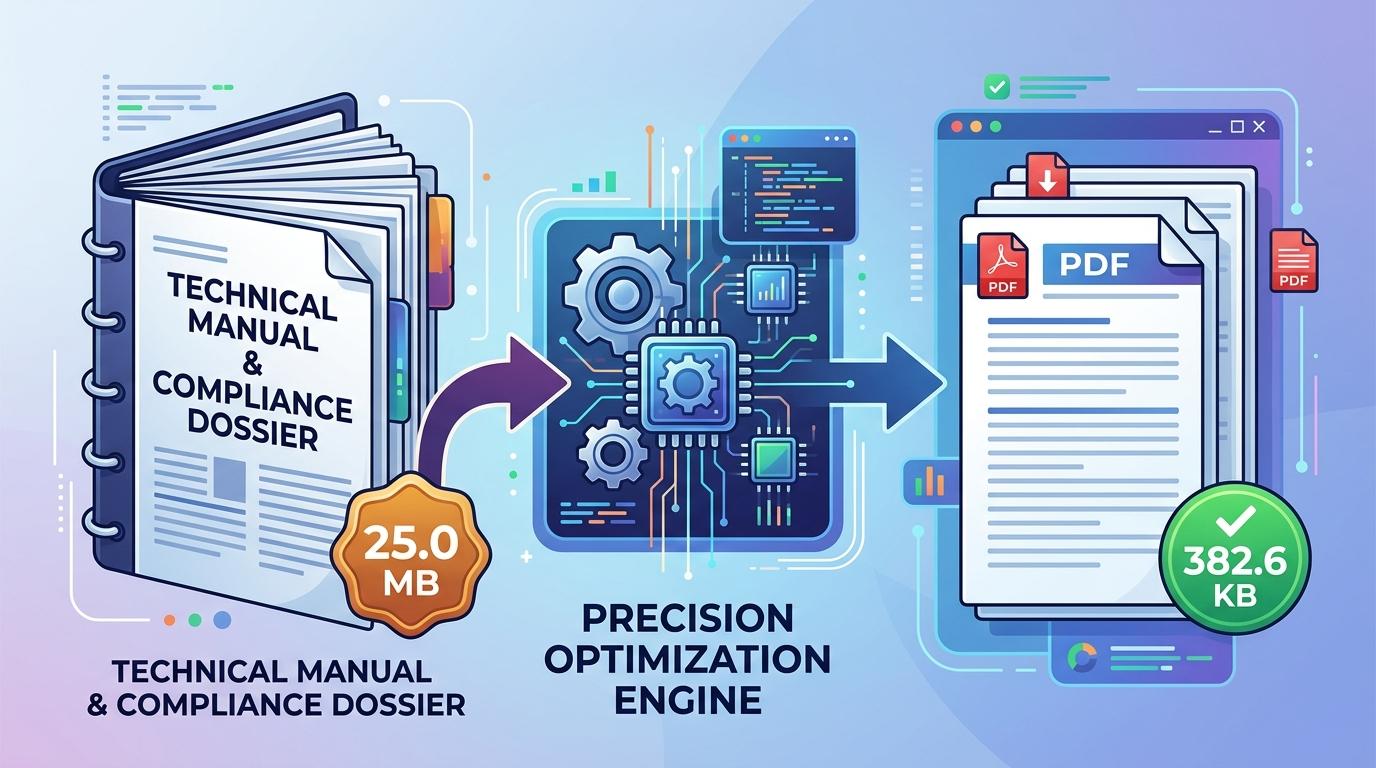
Filing comprehensive documentation—such as commercial lease contracts, audited annual financial statements, legal pleadings with exhibits, and extensive academic transcripts—frequently requires submitting dense multi-page paperwork as a single unified file. To preserve server storage and bandwidth across heavy enterprise and government systems, submission portals frequently enforce a strict 400KB file ceiling. While individual identity cards are limited to smaller caps like 50KB or 100KB, a 400KB threshold is the standard standard for multi-page packets that contain detailed tables, signatures, and stamps.
Compressing a multi-page document down to 400KB while keeping fine print legible presents unique technical challenges. Documents digitized on office scanners or scanner apps routinely balloon to 15MB or 30MB due to default color profiles and high DPI settings. When users turn to basic online compressors, they often encounter blunt, aggressive downsampling that renders numerical accounting tables, legal footnotes, and official notary seals unreadable. To compress PDF to 400KB online successfully, users need an adaptive tool that removes superfluous stream overhead while maintaining sharp typographic contrast across every sheet.
ToolMela provides a purpose-built in-browser solution designed specifically for this standard. Our client-side optimization engine enables you to reduce PDF size to 400KB directly on your computer or smartphone without sacrificing visual clarity. Whether you need to compress PDF under 400KB for an official portal upload, resize PDF to 400KB, compress PDF below 400KB, shrink PDF to 400KB, compress PDF file to 400KB, or reduce PDF to 400KB online free with guaranteed file privacy, our pdf compressor 400kb delivers crisp, fully compliant files within seconds.
Why People Use This Tool
Engineered specifically to meet 400KB document limits enforced by court e-filing systems, procurement boards, and graduate admissions.
Sensitive commercial agreements, financial records, and legal briefs remain on your device with zero cloud server transfers.
A 400KB budget comfortably accommodates five-to-ten page document packets without degrading printed text.
Intelligent compression curves retain strong visual contrast around notary stamps, ink signatures, and embossed emblems.
Operates entirely within standard desktop and mobile web browsers without requiring plugins or dedicated desktop software.
Download finished documents without watermarks, registration barriers, or hidden processing fees.
How to Use the Tool
- 1Select Your PDF DocumentClick inside the file upload box to select your PDF from local storage, or drag and drop your document directly into the tool.
- 2Automated Document InspectionThe engine evaluates total page count, embedded raster graphics, font structures, and metadata.
- 3Adaptive Target OptimizationThe compression process dynamically optimizes raster layers and discards redundant stream data to fit the 400KB budget.
- 4Inspect Compression ResultsReview the resulting byte size on the screen to confirm your document meets portal guidelines.
- 5Download the 400KB FileClick the download button to store the optimized PDF on your device, ready for immediate application upload.
Understanding the Output
A 400KB document threshold provides approximately 409,600 bytes of total data allowance. For a moderate document spanning three or four pages, this allowance offers generous headroom, allowing the compressor to maintain high visual resolution so that colored letterheads, verification stamps, and signatures remain distinct.
However, file limits always govern the entire PDF rather than each page separately. If you submit a multi-page document containing ten, twelve, or more pages, the 400KB ceiling must be distributed across every sheet. That leaves roughly 35KB to 40KB per page, which compels the compressor to downscale embedded scans more aggressively. For lengthy submissions, compress single-page documents individually whenever application portals allow separate attachments.
Privacy & File Handling
Confidentiality is critical when handling sensitive personal records, academic transcripts, and identification paperwork. Many web-based compressors upload your files to external cloud servers, store copies in temporary caches, or generate remote processing logs that could expose your private information.
ToolMela takes a completely private approach by executing all compression routines locally within your web browser sandbox. Your document is rendered and compressed using client-side JavaScript, HTML5 Canvas, and WebAssembly technologies. At no point is your PDF transmitted across the internet or saved on an external server. Once you finish downloading your file and close the tab, all working data disappears from device memory.
Useful Tips for Best Results
Black borders along the edges of scanned documents consume significant byte budget. Crop edges cleanly before converting paper to PDF.
If your document contains only printed text and signatures, scanning in grayscale removes unnecessary color channels, allowing crisper typography at 400KB.
Always open the downloaded document in your PDF reader and inspect candidate names, roll numbers, and official seals at actual size before uploading.
If an application portal permits uploading separate documents rather than one combined packet, submit each certificate individually for maximum visual fidelity.
Common Problems and Solutions
This occurs when documents contain twelve or more pages with heavy color backgrounds. Crop empty page margins, convert scans to grayscale, or split pages before compressing.
If text lacks sharpness, the source scan may have suffered from low scanner DPI or motion blur. Re-scan the paper document on a flatbed scanner at 150 to 200 DPI under uniform lighting.
Client-side compression engines cannot process encrypted files without credentials. Unlock the PDF using your desktop reader before uploading.
Some application websites enforce strict file naming conventions. Rename your file to use simple alphanumeric characters without spaces or special symbols (for instance, use "contract_400kb.pdf" rather than "my document (1).pdf").
Frequently Asked Questions
Clear answers to common questions about 400KB PDF optimization and portal compatibility.
Why do certain portals specifically specify a 400KB limit?
Portals designed for legal filings, business licensing, and academic record submissions frequently manage extensive multi-page dossiers. A 400KB limit strikes an optimal balance between server bandwidth conservation and visual legibility, providing enough file room for reviewers to inspect tabular figures and ink signatures without slowing down application servers.
Can a 10-page PDF be compressed under 400KB without losing text clarity?
Yes. A 400KB budget allocates approximately 40KB per page for a ten-page document, which is adequate for legible black-and-white typography and official seal outlines. Cropping dark scanner borders and converting pages to grayscale helps preserve maximum sharpness throughout.
Does ToolMela save or view my uploaded documents?
No. All processing happens locally within your web browser. Your document is never uploaded to ToolMela's servers, never stored in cloud storage, and never accessed by any third party. Your files remain completely private on your own device.
Will barcodes, QR codes, and digital signatures remain scannable after compressing to 400KB?
Yes. Because 400KB provides a generous data ceiling compared to tighter limits, validation marks, barcodes, and digital signature stamps retain strong contrast and clean edge boundaries. Always inspect your downloaded document at 100% magnification to verify sharpness before final submission.
Related Document Compression Utilities
Precision reduction for lengthy dossiers and university packets.
Compress PDF to 250KBPrecision reduction for multi-page transcripts and KYC bundles.
Compress PDF to 200KBPrecision reduction for banking and state employment applications.
Compress PDF to 150KBPrecision reduction for university admissions and recruitment.
Compress Scanned PDFRe-render heavy multi-page paper scans down under 2MB.
