Compress Scanned PDF to 2MB or Less Without Destroying Legibility
Shrink oversized multi-page paper scans, signed agreements, and digitized records for fast email delivery and strict upload portals without losing essential clarity.
Overcoming Massive File Bloat in Scanned Documents
Converting physical paperwork into digital records is standard practice for legal filings, real estate transactions, insurance claims, and student admissions. However, office photocopiers, flatbed scanners, and mobile camera scanning apps consistently produce massive documents. When scanning a stack of invoices, contracts, or tax slips, the hardware captures each physical page as an uncompressed, high-density raster photograph. A modest ten-page scan routinely swells to 30MB or 50MB, creating an immediate roadblock when you try to send it as an email attachment or upload it to an institutional submission portal.
Most online application engines, human resources portals, and judicial e-filing repositories enforce strict upload quotas, frequently rejecting files that exceed 2MB. Attempting to upload an oversized document triggers generic server error messages, forcing you to find a fast and dependable way to compress scanned pdf documents. Standard compression software often fails on scans because it looks for vector text streams to optimize, leaving the underlying heavy bitmap photos untouched.
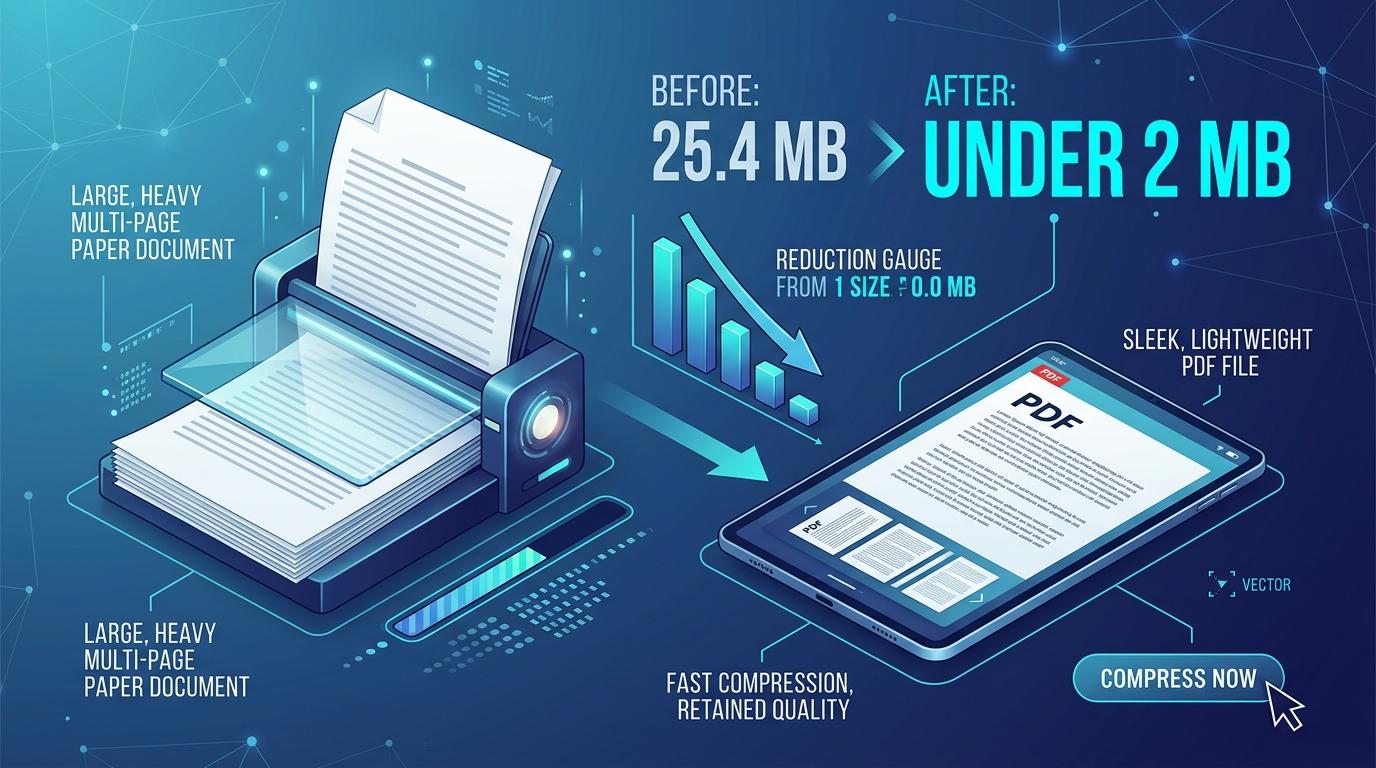
ToolMela provides a purpose-built utility designed specifically to compress scan pdf online files directly within your web browser. Whether you need to compress scanned document files, optimize scanned pdf archives for government portals, or reduce size of scanned pdf records for personal filing, our engine allows you to shrink scanned pdf archives to compliant limits while keeping signatures, rubber stamps, and printed text clearly readable.
Why People Use This Tool
Civil service exam portals, university admission gateways, and visa applications frequently enforce a strict 2MB ceiling on documents. Our tool lets you reduce scanned pdf size to clear upload filters immediately.
Enterprise email servers reject message attachments that exceed 20MB or 25MB. Compressing heavy multi-page scans ensures urgent proposals and signed forms reach client inboxes without bounce-backs.
Massive uncompressed scans cause smartphones and tablets to lag, stutter, and consume excessive mobile bandwidth. Re-rendered pages open instantaneously and scroll smoothly on handheld screens.
Our optimization algorithms prioritize structural clarity over blind degradation. Handwritten cursive signatures, notary seals, and tabular lines remain legible while redundant background noise is purged.
Retaining raw 40MB files for everyday utility bills, warranty receipts, and archived records rapidly depletes Google Drive or OneDrive space. Trimming file weight frees up gigabytes of cloud storage.
Older hardware scanners often produce corrupt internal PDF object dictionaries. Re-rendering through our engine sanitizes the internal code into a fresh, standards-compliant document structure.
How to Use the Tool
Select or Drop Your Scanned Document
Drag your scanned PDF into the designated upload area, or click the box to browse documents stored on your computer, tablet, or mobile phone. You can add up to 20 files simultaneously.
Inspect Original File Diagnostics
The tool automatically reads your PDF structure, displaying the detected page count, original file weight in megabytes, and an immediate visual thumbnail of the first page.
Confirm or Customize the Target Size
The engine defaults to a 2048 KB (2MB) ceiling, representing the most common web portal limit. You can easily adjust this field to a smaller target (such as 1000 KB or 500 KB) depending on your requirements.
Start the Re-Rendering Engine
Click the processing button. Your browser begins extracting individual page canvases at 97 DPI, executing up to seven progressive JPEG quality tests to find the sharpest visual fidelity below your target ceiling.
Review the Compression Results
Once complete, examine the result card comparing your original file size against the achieved final size, accompanied by the calculated space reduction percentage.
Download Your Optimized PDF
Click the download button to save the streamlined PDF directly to your device storage, ready for email dispatch or online portal submission.
Understanding the Output and Structural Changes
Understanding how this tool handles your document requires recognizing the mechanical difference between a standard PDF and a scanned PDF. When an authoring program exports a PDF, text is saved as scalable font coordinates. However, when you scan a paper document, the scanner has no concept of paragraphs or letters—it merely photographs the glass bed, saving a large raster graphic inside a PDF wrapper. Because the file is already composed of pure imagery, conventional text-compression algorithms cannot reduce its size.
ToolMela solves this through an intelligent re-rendering and rebuild workflow. Our client-side engine renders each page canvas at approximately 97 DPI (against a typical scanner capture of 300 DPI or higher) and tests up to seven JPEG quality levels. If the document remains above your requested byte limit, it employs a downscale ladder to ensure the final file strictly stays under your ceiling.
Because the document is reconstructed into clean page image streams, any invisible optical character recognition (OCR) text layer, form input fields, or embedded web hyperlinks present in the original scan will not be transferred to the new file. The result is a clean, visually authentic document perfectly tailored for official visual inspection and portal compliance. Always open the finished file and zoom into fine text lines to verify legibility before uploading.
Privacy & Client-Side File Handling
Confidentiality is essential when handling scanned records such as banking statements, passports, medical diagnostics, and legal agreements. Unlike traditional online converters that upload your private documents to external cloud servers, ToolMela executes all compression routines directly inside your local web browser.
Using modern client-side JavaScript and HTML5 Canvas processing, your documents never leave your computer or smartphone. No files are transmitted across the internet, no copies are stored on our servers, and no third party can inspect your private data. The moment you refresh or close your browser tab, all temporary memory buffers are cleared instantly.
Practical Tips for Optimal Scan Compression
Crop Scanner Bed Borders: Dark black borders captured around the edges of physical pages introduce high-contrast noise that inflates JPEG file sizes. Crop them out before scanning.
Scan in Grayscale When Feasible: Unless color stamps or color photos are legally mandatory, scanning in 8-bit grayscale eliminates 66% of raw image data before compression begins.
Keep an Untouched Master Copy: Always maintain your original high-resolution scan on your local drive so you have a master archival reference if required in the future.
Re-Apply OCR After Compression: If your recipient institution mandates searchable text alongside a small file size, run an OCR text tool on the compressed output.
Adjust Target Size Progressively: If small 6-point footnotes or faint pencil signatures appear blurry, raise your target ceiling from 1MB to 2MB to allow higher JPEG quality.
Common Problems and Troubleshooting
Output File Is Extremely Close to the Target Ceiling
Our optimization logic tests multiple quality thresholds to give you the highest possible image clarity without exceeding the ceiling. Landing just below your requested kilobyte target ensures maximum document readability.
Text Cannot Be Selected or Copied After Processing
Because pages are re-rendered into clean image streams to conquer file bloat, invisible OCR text layers are discarded. The document remains a visual image. If searchability is needed, run OCR on the finished file.
Browser Freezes or Shows Memory Warnings on Large Scans
Processing dozens of high-resolution pages inside browser memory demands substantial RAM. For documents with more than 40 pages, close other heavy applications and browser tabs before starting the compression.
Password-Protected Scans Refuse to Load
Encrypted files cannot have their page streams accessed without authorization. Remove security passwords in your PDF viewer before loading the document into the compression workspace.
Frequently Asked Questions
Direct answers to common questions about compressing scanned PDF files.
Why are scanned PDF files always so much larger than normal PDFs?
Will compressing a scanned PDF make signatures and stamps illegible?
Can I search for text inside the compressed scanned PDF?
Is there a page or file size limit for compressing scans?
Related Document Compression Utilities
Reduce PDF File Size Free
Universal client-side compression for multi-page documents.
Resize PDF to 2MB
Target the exact 2048 KB limit for university and job portals.
Reduce PDF Size Without Losing Quality
Optimize digital documents while keeping typography crisp.
Resize PDF to 1MB
Drop document size under 1024 KB for strict email gateways.
Compress PDF to 500KB
Compact threshold for legal filings and government registrations.
