Resize PDF to 50KB: Compress Documents for Central & State Government Recruitment
Meet strict 50KB upload caps for UPSC, SSC CGL/CHSL, State PSC, and Railway recruitment portals. Compress certificates, marksheets, and declarations while keeping signatures, serial numbers, and official seals razor-sharp.
The Challenge of Squeezing Official Certificates Beneath 51,200 Bytes
Across major national and state recruitment examinations—such as the Union Public Service Commission (UPSC), Staff Selection Commission (SSC), Railway Recruitment Board (RRB), State Public Service Commissions, and state police drives—candidates are routinely instructed to upload supporting credentials as single-page PDF files capped strictly under 50KB. These uploads include essential documents such as high school passing certificates, undergraduate marksheets, non-creamy layer (OBC/EWS) caste certificates, domicile declarations, and disability slips. However, standard office flatbed scanners and smartphone scanning apps routinely output PDF scans weighing between 3MB and 8MB. Forcing a detailed certificate under 51,200 bytes using generic photo editors or primitive online converters often leads to severe degradation: tabular marksheet numbers smudge into gray fog, official registration codes become illegible, and round institutional stamps dissolve into pixelated noise, triggering automatic upload rejections during the critical final hours before portal deadlines.
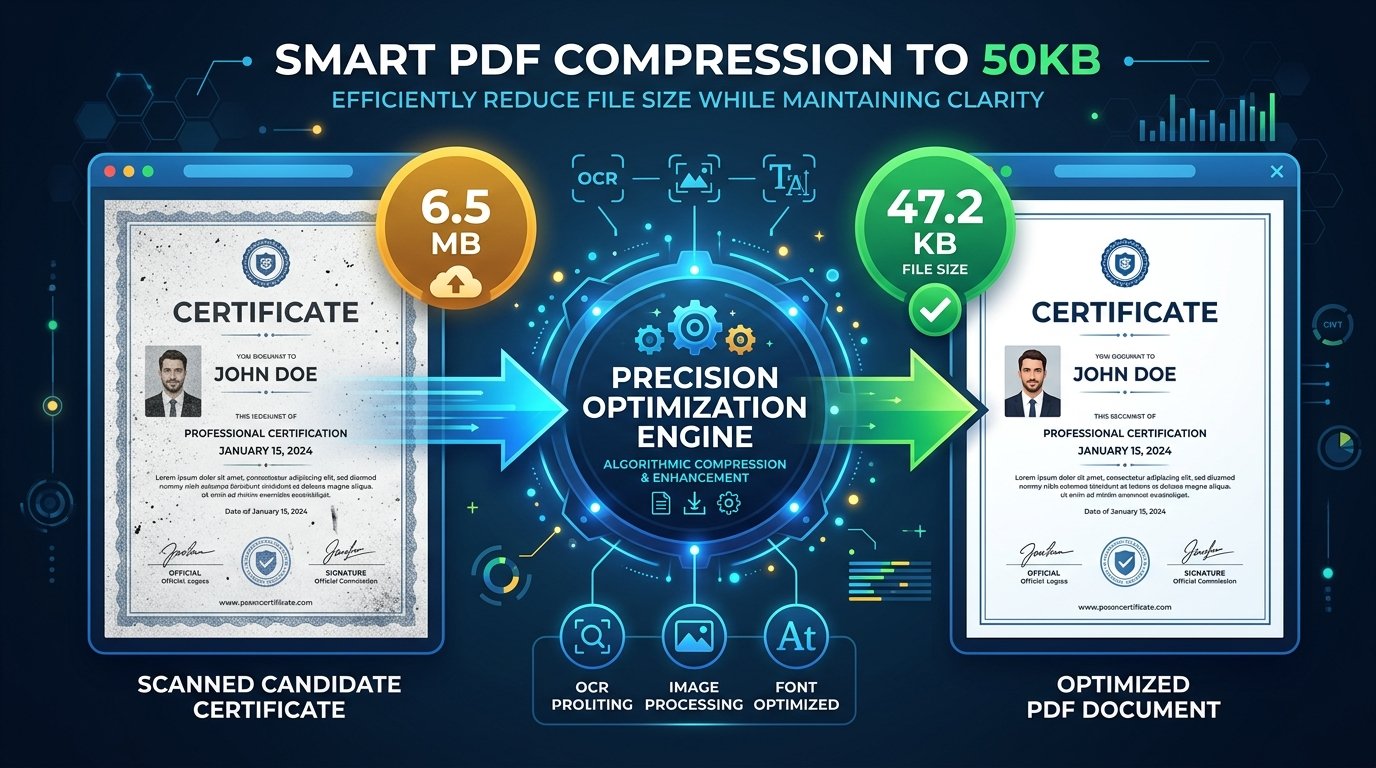
ToolMela’s Resize PDF to 50KB provides an engineered, multi-pass client-side WebAssembly compression pipeline specifically calibrated for the 50KB ceiling. Rather than applying blunt, destructive downsampling across the entire document, ToolMela's algorithm evaluates vector font streams, strips redundant unreferenced XML metadata and embedded ICC color profiles, and executes iterative bisection raster optimization. The resulting PDF file lands reliably within the 38KB to 49.5KB safety window—comfortably beneath the 50KB portal barrier while preserving pin-sharp typography, roll numbers, holographic borders, and official rubber stamps for scrutiny officers.
Key Features of ToolMela Resize PDF to 50KB
Engineered to land single-page files reliably within the 38KB to 49.5KB safety zone, guaranteeing immediate acceptance by government portal validators.
Executes up to seven real-time mathematical passes to identify the highest possible image quality that complies with the rigid 51,200-byte ceiling.
Executes the entire compression sequence directly in your browser RAM, delivering complete results in under 2 seconds without network upload delays.
Outputs clean, authentic PDF files with zero third-party branding or forced footers, maintaining pristine credibility for official evaluation.
Step-by-Step Guide: How to Compress a PDF to 50KB on ToolMela.com
Select Your Single-Page PDF Document
Click "Choose File" or drag your scanned certificate, marksheet, declaration, or receipt directly into the upload area.
Automated Stream Re-encoding
ToolMela’s WASM compressor scans object dictionaries, strips unneeded metadata headers, deflates typography streams, and resizes embedded images to hit the 50KB boundary.
Verify Readability at 100% Zoom
Review the on-screen size confirmation (e.g. 47.2KB). Verify that dates, certificate text, and official signatures remain distinctly readable.
Download and Upload to Portal
Click "Download PDF" to save the compliant file directly to your computer or phone. Upload the result directly into your recruitment application form.
100% Privacy & Client-Side Data Security Assurance
Recruitment applications, educational verification slips, caste documents, and domicile certificates contain highly confidential personal records—including identity numbers, family names, and institutional affiliations. Uploading these records to cloud-hosted file conversion tools creates significant privacy hazards, including data harvesting and long-term unmonitored server retention.
ToolMela eliminates this exposure completely through a strict client-side architecture. Powered by WebAssembly and local JavaScript execution, your documents are decoded, resized, and recompiled strictly within your device’s local browser sandbox. Zero document bytes are uploaded to our servers, and no records are ever stored on external cloud infrastructure. You can inspect network traffic in Developer Tools to confirm that not a single byte leaves your computer. The instant you close your browser tab, all temporary memory is immediately and permanently wiped.
Frequently Asked Questions (FAQ)
Why do recruitment boards like SSC and UPSC enforce a 50KB PDF limit?
Major national recruitment boards (such as SSC, UPSC, Railway RRB, and state PSC commissions) handle millions of applicant submissions within tight deadlines. Restricting single-page supporting uploads (like caste certificates, income affidavits, disability slips, and marksheets) to under 50KB prevents cloud storage saturation and eliminates portal timeout crashes during deadline traffic spikes.
Can a multi-page certificate bundle be compressed under 50KB while remaining legible?
A 50KB ceiling corresponds to roughly 51,200 bytes. While a 1-page or 2-page document with clean vector text easily compresses under 50KB while remaining razor-sharp, cramming 4 or more scanned photo pages into 50KB forces aggressive resolution downsampling. For multi-page transcripts, we recommend splitting the PDF to upload only the essential semester page or using our 100KB/200KB compressor if the portal allows.
What should I do if my scanned PDF is still slightly over 50KB?
If a scanned document has dark borders, heavy paper texture, or colored background hues, use our PDF or image cropper to trim excess margins before compression. Converting full-color scans to high-contrast grayscale eliminates unnecessary color channel data, helping the file slip comfortably beneath the 50KB ceiling.
Are my confidential certificates and documents uploaded to ToolMela servers?
No. All PDF decoding, multi-pass canvas rasterization, and byte optimization run 100% locally inside your web browser's memory using WebAssembly. Your legal affidavits, caste certificates, and signatures are never transmitted over external networks or saved on cloud servers.
