Compress PDF to 1MB Online: Maintain Document Clarity While Meeting Submission Limits
Downsize extensive portfolios, academic thesis packets, and corporate compliance dossiers under 1MB while preserving crisp typography and official seals.
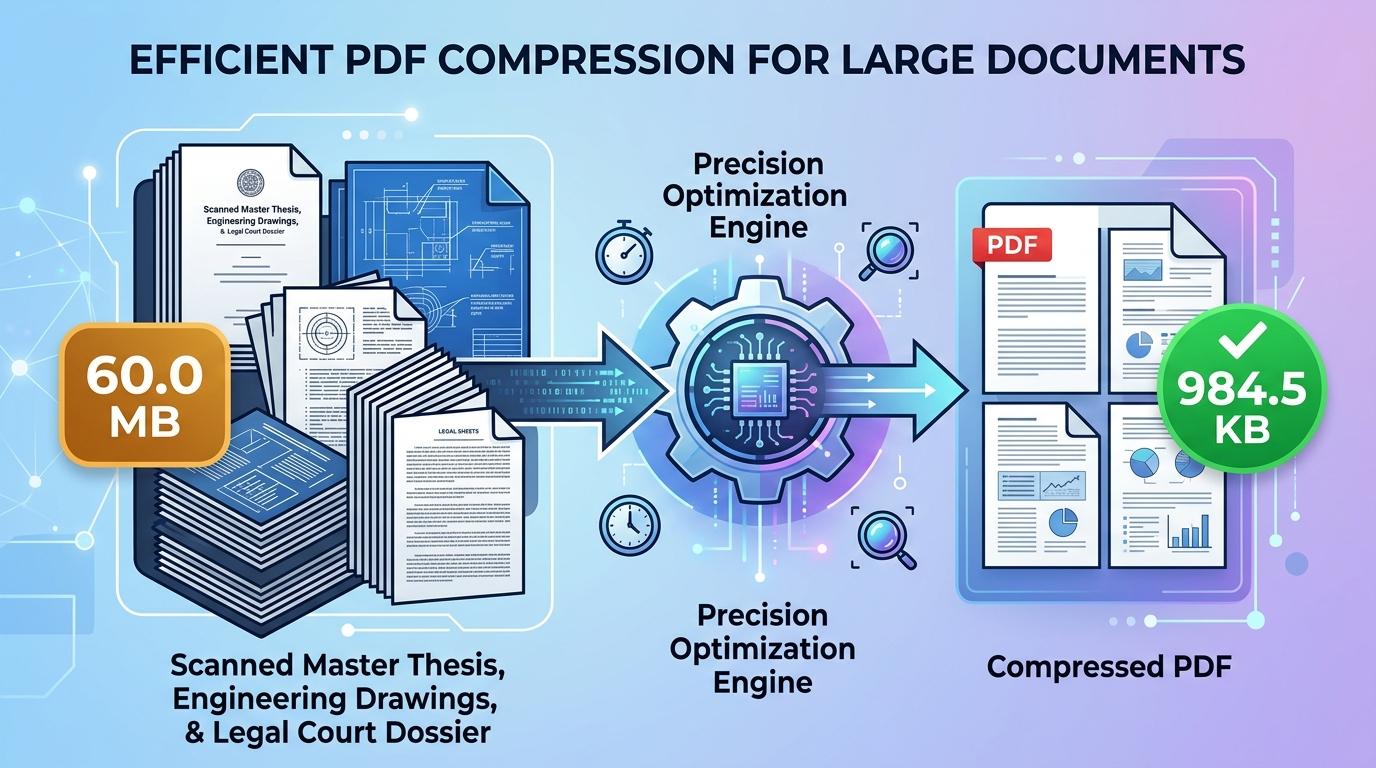
Digital filing systems routinely impose a 1MB upload threshold on incoming paperwork. Whether you are submitting a comprehensive job application dossier, uploading academic thesis abstracts, filing corporate compliance records, or uploading financial audit packets to an institutional portal, 1MB represents the standard standard for multi-page document packages. Unlike aggressive 100KB or 200KB limits that demand severe raster downscaling, a 1MB allowance provides sufficient headroom to retain sharp typography, colorful institutional headers, and official rubber stamps across multiple pages.
Despite this more accommodating file allowance, unoptimized documents frequently fail portal upload checks. Standard flatbed scanners, digital copiers, and mobile scanning apps routinely produce PDF files ranging from 15MB to 50MB by capturing pages at 300 or 600 DPI with uncompressed color profiles. Submitting such oversized files triggers instant portal rejection errors or stalls slow web connections. Users searching to compress PDF to 1mb online require an efficient method that trims superfluous stream data and adjusts image resolution to fit the ceiling without blurring fine print or legal signatures.
ToolMela provides a lightweight, browser-based compression tool specifically tuned to the 1MB threshold. Our utility enables you to reduce PDF size to 1mb directly within your web browser on any desktop computer, laptop, tablet, or smartphone. Whether you need to compress PDF under 1mb for an urgent recruitment deadline, resize PDF to 1mb, compress PDF below 1mb, shrink PDF to 1mb, compress PDF file to 1mb, or reduce PDF to 1mb online free without registration hurdles or privacy compromises, our client-side pdf compressor 1mb prepares clean, compliant documents in seconds.
Why People Use This Tool
Calibrated precisely for portals that specify a 1MB file cap, including government recruitment boards, university admission desks, and corporate vendors.
A 1MB file budget allows embedded graphs, charts, photographs, and colored seals to retain exceptional clarity across multi-page documents.
Document re-rendering happens entirely on your local machine, eliminating the risk of transmitting confidential personal or commercial records across external servers.
Functions directly inside standard desktop and mobile browsers without requiring plugins, printer drivers, or specialized software installations.
Compresses pages locally using modern browser hardware acceleration, removing lengthy upload queues and server waiting periods.
Delivers pristine output files free of promotional watermarks, banner stamps, or hidden processing fees.
How to Use the Tool
- 1Choose Your PDFTap the file upload area to select your document from local storage, or drag and drop your PDF straight into the box.
- 2Examine Document LayoutThe tool instantly scans the file structure, determining page count, layout dimensions, and embedded image density.
- 3Run Intelligent CompressionThe engine automatically applies targeted downsampling curves and eliminates redundant stream metadata to fit within the 1MB allowance.
- 4Inspect Generated File SizeReview the updated kilobyte measurement displayed on screen to confirm the file meets your portal's criteria.
- 5Download Your Finished PDFClick the download link to save the optimized PDF to your device, ready for immediate submission.
Understanding the Output
In digital storage systems, a 1MB threshold corresponds to roughly 1,024 kilobytes (or 1,048,576 bytes). For compact documents spanning two to six pages, this allowance offers exceptional visual fidelity. Letterhead graphics, candidate portrait photos, and intricate notary emblems retain virtually all of their original clarity because minimal downsampling is needed.
When working with extensive dossiers containing fifteen, twenty-five, or forty pages, that same 1MB allowance must be shared across the entire packet. This translates to roughly 25KB to 65KB per individual page. Under these conditions, the compression engine prioritizes text sharpness and high-contrast lines while gently compressing background textures and color gradations. Always review your completed document at 100% magnification in a standalone PDF viewer to confirm that fine table figures, footnotes, and signatures remain legible prior to submitting your file.
Privacy & File Handling
Uploading personal tax records, academic transcripts, identity certificates, or corporate contracts to third-party web converters carries genuine privacy concerns. Many conventional tools upload documents to remote cloud storage systems, where files can remain stored in server caches or processing queues for hours or days.
ToolMela takes a completely different path by utilizing client-side computing. All page analysis, image rendering, and document compilation take place exclusively inside your web browser sandbox using HTML5 Canvas and WebAssembly. Your files never travel across the internet to our servers and are never seen, saved, or indexed by anyone. The moment you close the browser tab, all temporary rendering data is wiped from your device's memory.
Useful Tips for Best Results
Black margins and shadowed borders around scanned paper sheets inflate file weight unnecessarily. Cropping these edges prior to compression preserves more space for actual content.
If your document consists purely of written terms, clauses, and signatures, converting scans to grayscale removes unneeded color channels and yields crisper typography at 1MB.
Compressing an already degraded or blurry scan will compound visual artifacts. Always begin the process with your clearest initial digital scan.
If an application portal provides distinct upload fields for your resume, educational certificates, and identity cards, compress each document separately rather than submitting a single crowded compilation.
Common Problems and Solutions
Highly illustrated documents with forty or more full-color pages may occasionally exceed the limit. Splitting the document into logical sections or converting full-color scans to grayscale will bring the file beneath 1MB.
This typically stems from an original scan captured at an inadequate resolution. Digitizing paper documents at 150 to 200 DPI under clean, uniform lighting delivers optimal results.
Encrypted or password-secured documents cannot be processed by client-side browser engines. Unlock the file using your default reader software before compressing.
Some older portals disallow special characters, parentheses, or spaces in filenames. Rename your file using clean alphanumeric characters (such as "portfolio_1mb.pdf") before uploading.
Frequently Asked Questions
Clear answers to common questions about 1MB PDF compression and portal compatibility.
Why do so many portals set a 1MB file limit?
A 1MB cap provides a practical balance for enterprise and government platforms. It allows applicants to bundle multi-page forms, academic mark sheets, and signed verification documents into a single readable file while protecting web servers and database storage from ballooning network traffic.
How many pages can I compress into 1MB without sacrificing quality?
A 1MB file budget easily supports fifteen to twenty-five pages of standard text, tables, and signatures with excellent sharpness. For documents featuring color photographs, diagrams, or heavy graphics, keeping the page count between eight and twelve ensures optimum visual fidelity across all pages.
Will compressing my PDF to 1MB remove digital signatures or form fields?
Yes. To ensure strict file size compliance across various PDF standards, the tool re-renders each page into an optimized visual layout. This flattens interactive form fields, clickable buttons, and dynamic signature layers into static, universal visual content that displays identically across all PDF readers.
Does ToolMela save a copy of my documents on its server?
No. ToolMela does not store, review, or retain your files. All document processing takes place directly within your device's web browser through client-side code execution. Your confidential files never traverse remote networks or save onto external servers.
Related Document Compression Utilities
Precision reduction for large document submissions and packets.
Compress PDF to 500KBPrecision reduction for email attachment caps and corporate portals.
Compress PDF to 400KBPrecision reduction for legal pleadings, filings, and packets.
Compress PDF to 300KBPrecision reduction for lengthy dossiers and university packets.
Compress Scanned PDFRe-render heavy multi-page paper scans down under 2MB.
