Compress PDF to 50KB Online: Sharp Document Reduction for Exam and Job Portals
Downsize admit cards, marks sheets, and signed application forms to meet strict 50KB upload limits without sacrificing critical legibility.
Navigating Strict 50KB Document Upload Requirements
Every recruitment season, hundreds of thousands of applicants face strict upload thresholds on government examination servers, public service commission portals, and university admission boards. Among these restrictions, the 50KB ceiling is the undisputed standard for submitting candidate admit cards, academic mark sheets, caste certificates, and signed registration forms. Submitting a file that measures even 51KB triggers immediate rejection by automated document validators, halting your submission in its tracks.
Standard desktop software and generic cloud compressors often struggle with this target. They either produce output that remains well over 50KB or apply brutal, uncalibrated downsampling that turns roll numbers, seal impressions, and applicant signatures into an unreadable blur. When submission windows are ticking away, finding a reliable way to compress PDF to 50KB online becomes an absolute priority.
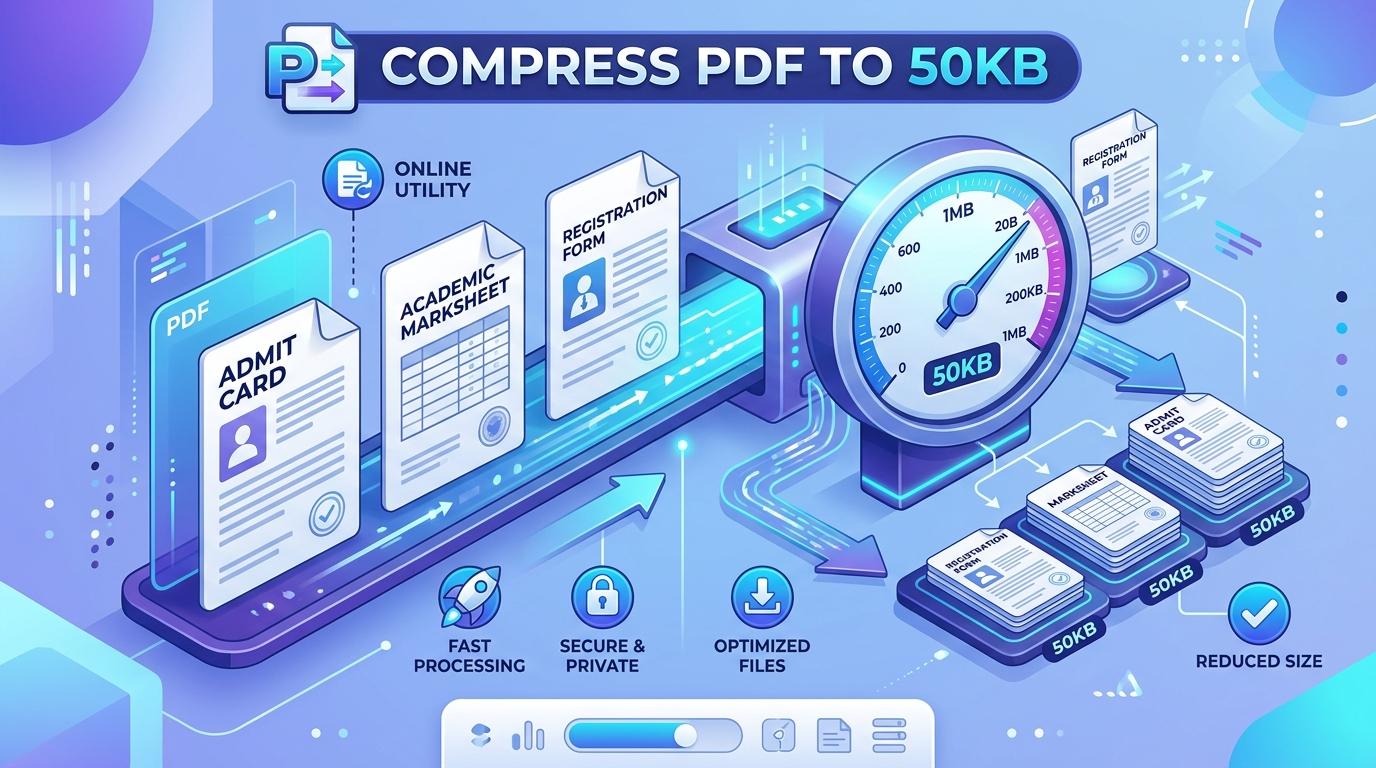
ToolMela provides a purpose-built in-browser solution calibrated specifically for this threshold. Our client-side compressor lets you reduce PDF size to 50KB through an intelligent seven-pass quality evaluation combined with adaptive downscaling ladders. Whether you need to compress PDF under 50KB for an entrance exam, resize PDF to 50KB, compress PDF below 50KB, shrink PDF to 50KB, compress PDF file to 50KB, or reduce PDF to 50KB online free for an employment form, our engine delivers a compliant, legible document directly in your browser.
Why People Use This Tool
Recruitment and admission engines enforce a hard 50KB ceiling. Our engine targets this limit as a mathematical boundary to ensure immediate upload acceptance.
Academic marks, tax identification numbers, and personal certificates are processed entirely in local browser memory with zero cloud server exposure.
The engine tests up to seven progressive JPEG quality levels at full resolution before downscaling, keeping seals, stamps, and small text clearly readable.
Compress documents directly on smartphones, tablets, or desktop computers without installing software or browser plugins.
If a dense multi-page document cannot mathematically fit into 50KB while preserving legibility, the tool clearly informs you rather than generating a corrupted file.
Review exact original byte counts against the compressed output and total percentage savings before saving to your device.
How to Use the Tool
Select or Drop Your Single-Page PDF
Drag your document into the upload zone or click to select the file from your computer, tablet, or smartphone. For best results at 50KB, ensure the file is a single-page document.
Inspect Original File Diagnostics
The tool reads your document structure locally, displaying original file size, detected page count, and a clear preview thumbnail of the first page.
Confirm the 50KB Target Limit
The target ceiling is pre-set to 50KB. If your portal allows a slightly different limit (such as 45KB or 55KB), you can adjust this value in the target box.
Start the Precision Compression Engine
Click the compress button. Your browser extracts the page canvas and runs progressive quality evaluations to locate the maximum visual clarity beneath 50KB.
Review the Results and Download
Examine the summary card displaying your achieved file size under 50KB and total space saved. Click the download button to save your upload-compliant PDF to your device.
Understanding the 50KB Output and Mathematical Realities
Compressing a PDF to 50KB (roughly 51,200 bytes) represents an ideal middle ground for official submissions. While extreme ceilings like 20KB force aggressive downsampling, 50KB provides sufficient byte headroom to preserve high-contrast text, candidate photographs, and official stamps. An empty, compliant PDF file with basic catalog structures and font dictionaries inherently takes up 2KB to 3KB of structural overhead, leaving approximately 48KB to encode all text, graphics, and page imagery.
For a single-page document—such as an admit card, a marks sheet, or an identity certificate—48KB is ample to preserve sharp typography, clear registration numbers, and recognizable seal impressions. However, this byte budget is shared across all pages. If you attempt to compress a four-page document to 50KB, each page receives an unworkable average of around 12KB, forcing the downscaling ladder to shrink page dimensions aggressively. For this reason, always split multi-page documents into individual pages before targeting 50KB.
Because pages are re-rendered into clean image streams, interactive form inputs, clickable hyperlinks, and invisible OCR text layers are not retained in the finished file. The result is a flat, image-based PDF tailored for visual verification. Open your downloaded 50KB PDF and zoom in to verify that all figures, dates, and signatures remain identifiable prior to portal submission.
Privacy & Client-Side File Handling
Documents subjected to strict 50KB limits often contain sensitive personal records, such as marks sheets, income proofs, and identification certificates. Uploading these documents to cloud-based converter websites exposes your private information to third-party servers and cloud storage retention.
ToolMela eliminates this exposure entirely. Our PDF compressor 50KB tool executes all rendering and compression operations locally within your web browser sandbox using client-side JavaScript. Your certificates and credentials are never transmitted over the internet and never stored on external servers. When you close or refresh the browser tab, all temporary memory allocations are cleared permanently.
Practical Tips for Clean 50KB Compression
Crop Scanner Margins Closely: Crop away large empty margins around certificates before saving as PDF. Eliminating blank space concentrates the 50KB budget entirely on essential content.
Use Grayscale When Color Isn't Required: Scanning certificates in color wastes precious bytes on chromatic noise. High-contrast monochrome scans compress cleanly into small file sizes.
Process Single Pages Only: Never feed a multi-page document into a 50KB compressor. Split the document first and compress each page individually to protect legibility.
Keep Your High-Resolution Original: Always maintain your master scan on your local computer so you have an untouched archival copy for future applications.
Verify On Screen at 100% Zoom: Before uploading your finished 50KB PDF to an official portal, open the file on your device and confirm that numbers and text are sharp and readable.
Common Problems and Troubleshooting
The Engine Refuses to Compress to 50KB
If you upload a dense multi-page document or a full-color photo scan, the engine may stop and report that the file cannot reach 50KB while preserving a valid PDF. Solution: Extract the specific page you need or crop unnecessary margins, then re-run the compression.
Text or Marks Appear Pixelated
Low-contrast photocopies or blurry smartphone photos lose clarity during extreme compression. Solution: Rescan the document with good lighting and high contrast, crop closely, and re-compress.
Password-Protected PDF Error
Encrypted PDFs cannot be parsed or modified by client-side browser scripts. Remove password protection using your PDF viewer before loading the document into the tool.
Text Selection Does Not Work in Downloaded File
The compressor flattens pages into optimized image layers to meet the strict 50KB threshold. The file is tailored for visual inspection and portal compliance, not selectable text editing.
Frequently Asked Questions
Direct answers to common questions about compressing PDF documents to 50KB.
Can I compress a multi-page PDF to 50KB?
Why is 50KB the most common file size limit on government job portals?
Will candidate photos and signatures remain sharp at 50KB?
Does ToolMela upload or store my certificates on a server?
Related Document Compression Utilities
Compress PDF to 20KB
Ultra-tight ceiling for candidate signatures and thumb impressions.
Compress PDF to 30KB
Clean in-browser reduction for marks cards and certificates.
Compress PDF to 40KB
Precision reduction for teacher recruitment and state entrance forms.
Compress PDF to 100KB
Standard threshold for marksheets, caste, and income certificates.
Compress Scanned PDF
Re-render heavy multi-page paper scans down under 2MB.
