Compress PDF to 20KB Online: Precision Document Reduction for Strict Uploads
Downsize candidate signature slips, identity receipts, and single-page certificates to meet rigid 20KB upload limits without sacrificing critical legibility.
Conquering the Toughest File-Size Caps on Official Portals
Anyone applying for competitive examinations, civil service positions, police recruitments, or professional council licenses knows the frustration of encountering an ultra-strict file upload ceiling. While general application forms often permit documents up to 100KB or 200KB, specialized upload fields—most notably candidate signature slips, thumb impressions, and single-page category proofs—are routinely restricted to a razor-thin 20KB cap. Submitting a file that measures even a single byte above 20,480 bytes results in an immediate upload error, blocking your application submission.
Standard online document optimizers are engineered for multi-megabyte files and struggle when tasked with extreme micro-compression. When forced to shrink a document to 20KB, conventional tools either fail to reach the threshold or aggressively compress the image into an illegible, pixelated blur where signatures and official stamps become unrecognizable. When an official deadline is ticking down, finding a reliable way to compress PDF to 20KB online becomes essential.
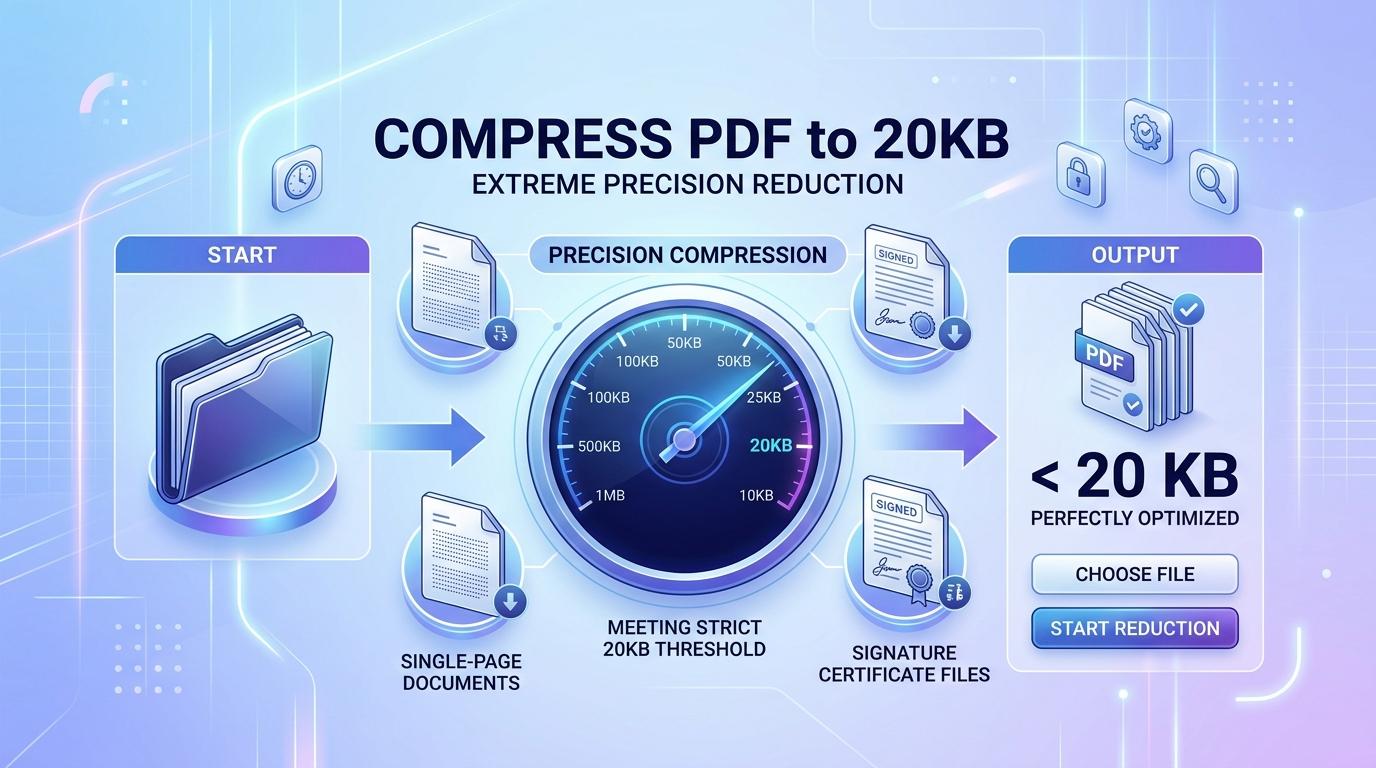
ToolMela provides a purpose-built in-browser solution calibrated specifically for this challenge. Our client-side compressor lets you reduce PDF size to 20KB through an intelligent seven-pass quality evaluation combined with adaptive downscaling ladders. Whether you need to compress PDF under 20KB for a job form, resize PDF to 20KB, compress PDF below 20KB, shrink PDF to 20KB, compress PDF file to 20KB, or reduce PDF to 20KB online free for an examination board, our engine delivers a compliant, legible document directly in your browser.
Why People Use This Tool
Recruitment and exam servers automatically reject candidate signatures exceeding 20KB. Our engine targets 20KB as a strict mathematical ceiling to pass portal checks effortlessly.
Your handwritten signatures, personal vouchers, and identity proofs are processed entirely in local browser memory. Files are never uploaded to remote servers or cloud databases.
The engine conducts up to seven progressive JPEG quality tests at full scale before downscaling, ensuring pen strokes and official seal impressions remain clearly defined.
Compress documents on mobile phones, tablets, or laptops within seconds. No desktop installations, third-party software plugins, or account registrations are required.
If a multi-page file is mathematically too dense to fit under 20KB without becoming completely destroyed, the tool alerts you clearly rather than producing an unreadable file.
Review the exact byte savings and final document weight alongside a preview of page one before finalizing the download to your device storage.
How to Use the Tool
Select or Drop Your Single-Page PDF
Drag your document into the compression box or click to select the file from your computer, tablet, or smartphone storage. For best results at 20KB, ensure the file is a single-page document.
Inspect Original File Diagnostics
The tool inspects the document structure locally, displaying the original file weight in kilobytes, total page count, and an instant thumbnail preview of page one.
Confirm the 20KB Target Limit
The target ceiling is pre-calibrated to 20KB. If your portal requires a slightly different ceiling (such as 15KB or 25KB), you can adjust this number in the custom target field.
Start the Precision Compression Engine
Click the compress button. Your browser extracts the page canvas and runs progressive quality evaluations to locate the maximum visual clarity beneath 20KB.
Review the Results and Download
Examine the summary card displaying your achieved file size under 20KB and total space saved. Click the download button to save your upload-compliant PDF to your device.
Understanding the 20KB Output and Mathematical Realities
Compressing any digital file to 20KB (approximately 20,480 bytes) represents one of the most demanding constraints in document processing. Even a minimal blank PDF file with basic header dictionaries and page catalog objects occupies 2KB to 3KB of structural overhead before any image or text data is stored. That leaves roughly 17KB for the actual visual content.
For a single-page document—such as an isolated signature crop, a thumb impression card, or a single certificate slip—17KB of compressed JPEG data is sufficient to preserve clear, recognizable pen strokes and readable typography. However, this byte budget is shared across the entire document. If you attempt to compress a five-page PDF to 20KB, each page receives an unworkable average of 3.5KB, forcing the downscaling ladder to drastically shrink page dimensions. For this reason, always extract or split multi-page documents into individual pages before targeting 20KB.
Because pages are re-rendered into clean image streams, interactive form inputs, clickable hyperlinks, and invisible OCR text layers are not retained in the finished file. The result is a flat, image-based PDF tailored for visual verification. Open your downloaded 20KB PDF and zoom in to verify that handwriting curves, serial numbers, and signatures remain identifiable prior to portal submission.
Privacy & Client-Side File Handling
Files subjected to strict 20KB caps almost always contain sensitive personal credentials, including handwritten signatures, thumbprints, and personal identity certificates. Uploading these items to cloud-based converter websites exposes your biometric and legal identity to remote server storage and data retention policies.
ToolMela eliminates this exposure entirely. Our PDF compressor 20KB tool executes all rendering and compression operations locally within your web browser sandbox using client-side JavaScript. Your signature slips and personal credentials are never transmitted over the internet and never stored on external servers. When you close or refresh the browser tab, all temporary memory allocations are cleared permanently.
Practical Tips for Clean 20KB Compression
Crop Tight Around Signatures: Crop away large empty margins around signature boxes before saving as PDF. Eliminating blank space concentrates the 20KB budget entirely on pen strokes.
Use Pure Black and White or Grayscale: Scanning signatures in color wastes precious bytes on chromatic noise. High-contrast monochrome scans compress cleanly into tiny file sizes.
Process Single Pages Only: Never feed a multi-page document into a 20KB compressor. Split the document first and compress each page individually to protect legibility.
Keep Your High-Resolution Original: Always maintain your master scan on your local computer so you have an untouched archival copy for future applications.
Verify On Screen at 100% Zoom: Before uploading your finished 20KB PDF to an official recruitment portal, open the file on your device and confirm that the signature is sharp and recognizable.
Common Problems and Troubleshooting
The Engine Refuses to Compress to 20KB
If you upload a dense multi-page document or a full-color photo scan, the engine may stop and report that the file cannot reach 20KB while preserving a valid PDF. Solution: Extract the specific page you need or crop unnecessary margins, then re-run the compression.
Signature Appears Pixelated or Faint
Faint signatures written in light ink or scanned under poor lighting lose clarity during extreme compression. Solution: Rescan the signature with a dark blue or black pen under good lighting, crop tightly, and re-compress.
Password-Protected PDF Error
Encrypted PDFs cannot be parsed or modified by client-side browser scripts. Remove password protection using your PDF viewer before loading the document into the tool.
Text Selection Does Not Work in Downloaded File
The compressor flattens pages into optimized image layers to meet the strict 20KB threshold. The file is tailored for visual inspection and portal compliance, not selectable text editing.
Frequently Asked Questions
Direct answers to common questions about compressing PDF documents to 20KB.
Can a multi-page PDF be compressed to 20KB?
Why do government and recruitment portals require such small 20KB files?
Will my signature or certificate remain clear enough to pass portal verification?
Does ToolMela upload my signature or personal documents to a server?
Related Document Compression Utilities
Compress PDF to 50KB
Balanced compression for candidate photographs and admit cards.
Compress PDF to 100KB
Standard threshold for marksheets, caste, and income certificates.
Compress PDF to 100KB Offline
Completely offline in-browser compression for sensitive documents.
Compress Scanned PDF
Re-render heavy multi-page paper scans down under 2MB.
Reduce PDF File Size Free
Universal client-side compression for multi-page documents.
