Compress PDF to 60KB Online: Sharp Document Reduction for Official Portals
Downsize certificates, admit cards, and application forms under 60KB without losing critical stamps, signatures, or printed numbers.
Meeting Exact 60KB Document Upload Specifications
When applying for government employment, state university admissions, or specialized licensing programs, candidates often face rigid file size restrictions. Many state recruitment boards, banking entrance portals, and civil service gateways mandate that supporting PDF attachments—such as domicile certificates, mark sheets, admit cards, and signed declaration forms—must not exceed a strict 60KB ceiling. Attempting to upload a document that measures 62KB or 70KB results in immediate rejection by automated system validators, creating unnecessary stress during fast-closing application windows.
Reducing a multi-megabyte PDF down to 60KB presents a delicate technical challenge. Traditional PDF desktop tools often lack target-specific compression, leaving files either oversized or badly blurred to the point where roll numbers, official department seals, and applicant signatures become completely illegible. To compress PDF to 60KB online successfully, you need an intelligent utility that understands how to strip unneeded metadata, optimize embedded raster layers, and preserve high typographic contrast.
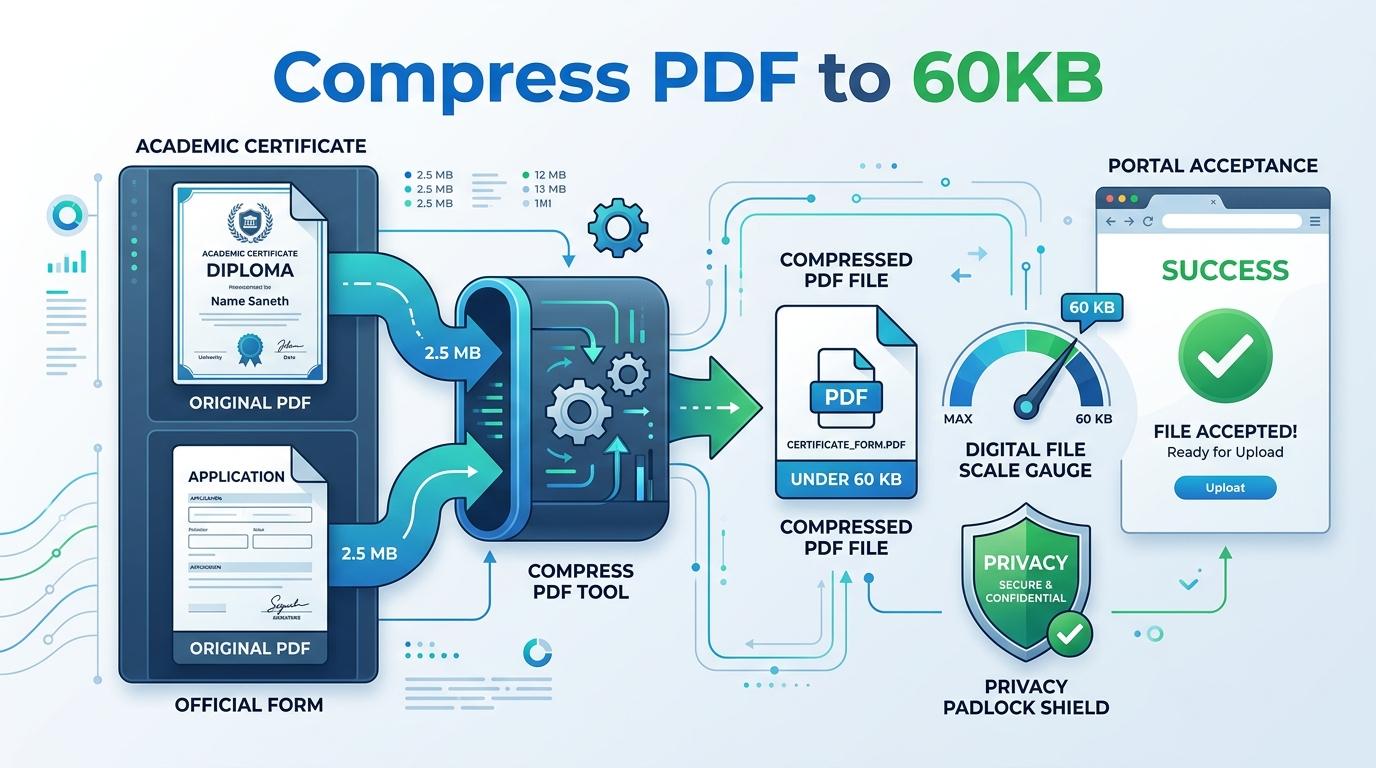
ToolMela provides a purpose-built in-browser solution engineered specifically for this threshold. Our client-side engine allows you to reduce PDF size to 60KB through iterative quality testing and adaptive raster scaling. Whether you need to compress PDF under 60KB for an official portal, resize PDF to 60KB, compress PDF below 60KB, shrink PDF to 60KB, compress PDF file to 60KB, or reduce PDF to 60KB online free with complete privacy, our pdf compressor 60kb delivers a clean, compliant result right inside your web browser.
Why People Use This Tool
Recruitment and admission servers enforce a hard 60KB cap. Our engine targets this limit as a mathematical boundary to ensure immediate upload acceptance.
Sensitive documents like marks cards, identification certificates, and signed letters are processed entirely in browser memory with zero remote server uploads.
By evaluating quality levels across multiple passes, the engine protects vital applicant names, roll numbers, serial identifiers, and institutional seals.
Use the utility instantly without creating user profiles, sharing your email address, or having unsightly promotional stamps added to your records.
View precise byte counts and percentage reductions right away, so you know with absolute certainty that your file sits comfortably below 60KB.
Runs seamlessly in modern desktop and mobile browsers across Windows, macOS, Android, and iOS devices without requiring third-party app installations.
How to Use the Tool
Select or Drag Your PDF
Click the upload area to choose your document from your local storage, or simply drag and drop the PDF file directly onto the designated drop zone.
Automatic In-Browser Analysis
The tool inspects your PDF's internal dimensions, embedded images, page count, and structural metadata entirely within your browser environment.
Targeted Multi-Pass Optimization
The compression routine tests quality parameters to compress the document as close to the 60KB ceiling as possible while preserving readable text.
Verify File Size and Summary
Examine the displayed initial size, final compressed size, and total reduction percentage to confirm your file meets your portal's criteria.
Download Your Compliant PDF
Click the download button to save your freshly compressed PDF to your device, ready for immediate upload to your application portal.
Understanding the Output
Compressing a PDF down to 60KB means fitting the entire document into roughly 61,440 bytes. For a single-page document—such as a university provisional degree, grade card, caste certificate, or registration receipt—this budget allows for high visual fidelity. Printed characters, official stamps, serial numbers, and signatures stay sharp and easily identifiable.
However, file size is an absolute ceiling shared across every page in the document. If you submit a multi-page PDF containing three, four, or more pages, the 60KB allowance must be divided across every single page. That leaves only 15KB to 20KB per page, which compels the compression engine to apply stricter image re-sampling. As a result, multi-page scanned documents may exhibit slightly softer text outlines or subdued color gradients. For optimal results, compress individual single-page documents whenever your portal permits separate uploads.
Privacy & File Handling
At ToolMela, document security and user privacy are fundamental design principles. Many online compression services transmit your sensitive files to remote cloud servers, store them in temporary directories, or retain logs containing your personal information. When handling sensitive academic records, tax certificates, and identity cards, that exposure poses a real privacy risk.
Our 60KB PDF compressor operates completely inside your local web browser sandbox using modern HTML5 Canvas, WebAssembly, and client-side JavaScript libraries. Your PDF file never travels across the internet, is never uploaded to an external server, and is never stored on third-party databases. When you close or refresh your browser tab, all temporary data is instantly cleared from your device's memory.
Useful Tips for Best Results
Crop Empty Margins
Excess blank margins, dark scanner borders, and shadows waste valuable byte budget. Crop your document tightly to the content area before converting to PDF.
Scan in Grayscale for Pure Text
If your document consists primarily of printed text, marks, and signatures, scanning in grayscale eliminates superfluous color channel data, yielding sharper letters at 60KB.
Split Bundled Multi-Page Files
If your application asks for multiple certificates, split them into individual single-page PDFs rather than trying to cram a five-page packet into a single 60KB file.
Check Critical Data at 100% Zoom
Before uploading your compressed file, open it in your default viewer and zoom to 100% to confirm applicant names, serial codes, and stamps remain legible.
Common Problems and Solutions
Output File Still Slightly Above 60KB
This generally occurs when a document contains several high-resolution color photographs or uncompressed scanned graphics across multiple pages. To resolve this, convert color scans to grayscale, crop outer scanner borders, or split the document into individual pages before re-processing.
Blurred Text or Hard-to-Read Stamps
If text appears fuzzy, the original scan may have suffered from camera motion blur or inadequate scanner resolution. For best results, scan the physical document on a flatbed scanner at 150 to 200 DPI under clean lighting before running it through the compressor.
Password-Protected PDF Will Not Compress
Client-side security sandboxes cannot parse or re-render encrypted PDF files without proper credentials. Unlock or decrypt your PDF file using your standard viewer software before selecting it for compression.
Portal Rejection Despite Correct File Size
Certain government and university portals have strict file naming conventions in addition to size rules. Ensure your PDF filename contains only alphanumeric characters without spaces, parentheses, or special symbols (for example, use "certificate_60kb.pdf" instead of "my certificate (1).pdf").
Frequently Asked Questions
What types of documents typically require a 60KB file size limit?
The 60KB ceiling is frequently enforced by state recruitment commissions, university admission portals, banking examination systems, and public utility applications. It is commonly required for candidate admit cards, academic mark statements, category certificates, domicile documents, and signed registration acknowledgments where server storage per applicant is strictly budgeted.
Can I compress a multi-page PDF under 60KB without losing text readability?
A 60KB file provides approximately 61,440 bytes in total. For a single-page document, this is plenty of room for crisp, legible text and clear seals. For multi-page files (3 pages or more), the byte allowance is divided across every page, which may require heavier image downscaling. We recommend compressing single-page records individually whenever possible.
Does ToolMela upload or retain my personal certificates on a remote server?
No. The entire compression routine executes completely inside your local web browser using client-side JavaScript, HTML5 Canvas, and WebAssembly. Your PDFs, mark sheets, identity documents, and personal details never leave your device and are never sent to external servers.
Will barcodes, QR codes, and digital signatures remain scannable after compressing to 60KB?
Yes, in most cases. The compression engine tests high quality levels first to preserve sharp contrast around barcodes, QR validation marks, and official stamp outlines. Always review your downloaded document at 100% zoom to verify visual sharpness before submitting it to an official portal.
Final Verification Before Submission
After downloading your compressed 60KB PDF, always open the file in a standalone PDF viewer and verify all critical fields—such as candidate name, date of birth, roll numbers, and official signatures—at full zoom before submitting to your target portal.
