Resize PDF to 200KB: Compress Certificates & Marksheets Without Quality Loss
Meet strict 200KB upload limits for State PSCs, university counseling, judicial portals, and recruitment boards. Compress multi-page documents while keeping subject marks, seals, and signatures razor-sharp.
The Challenge of Compressing Multi-Page Certificates Under 200KB
When submitting applications on state recruitment portals (such as BPSC, WBPSC, UPSSSC, and MPPSC), high court registries, or central university admission systems, applicants routinely face the mandatory 200KB PDF file cap. This limit frequently applies to consolidated multi-page records—such as 3-year or 4-year degree transcripts, domicile and caste certificates, income tax returns, and property registration proofs. When scanned through standard office flatbed scanners or smartphone camera apps, multi-page PDFs easily balloon to 4MB to 12MB. Forcing these detailed records under 200KB using basic online tools often destroys document readability: subject marks and semester grade points turn into illegible smudges, registrar signatures break up, and official circular stamps pixelate, putting the candidate at immediate risk of scrutiny rejection.
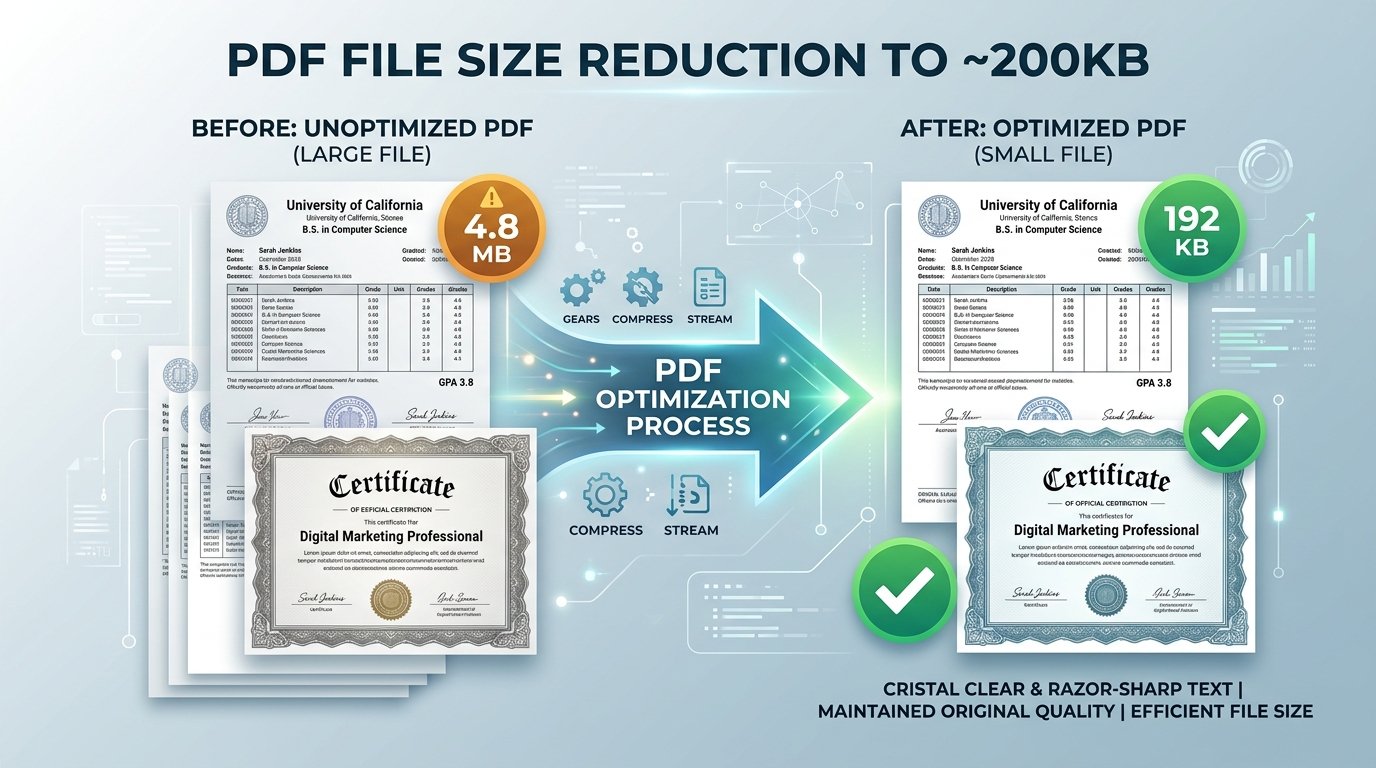
ToolMela’s Resize PDF to 200KB delivers an engineered solution tailored specifically for multi-page certificates. Rather than applying crude, destructive compression across the entire document canvas, our engine restructures the PDF’s internal stream architecture. It strips redundant unreferenced XML metadata, deflates font stream dictionaries using lossless Flate algorithms, and downsamples embedded raster pages to an optimized 150 to 200 DPI resolution. The resulting PDF sits comfortably between 160KB and 195KB—safely below the 200KB upload boundary while ensuring serial numbers, university watermarks, barcode trackers, and examiner signatures remain razor-sharp for human officers and automated scanners.
Key Features of ToolMela Resize PDF to 200KB
Engineered to land your document reliably within the 160KB to 195KB window, guaranteeing instant validation on government upload forms.
Compresses consolidated marksheets (2 to 5 pages) while dynamically managing per-page byte budgets to avoid quality drop-offs on later pages.
Processes the entire document directly inside your local browser memory in 2 to 4 seconds without network upload queues or cloud delays.
Downloads clean, authentic PDF files with zero third-party promotional watermarks, ensuring 100% professional presentation for official review.
Step-by-Step Guide: How to Compress a PDF to 200KB on ToolMela.com
Upload Your Target PDF File
Click "Choose File" or drag your degree certificate, caste document, or consolidated marksheet directly into the upload workspace.
Automated Stream Re-encoding
The in-browser WASM compressor inspects page dictionaries, deflates typography streams, purges redundant metadata, and resizes embedded rasters toward 200KB.
Inspect Readability at 100% Zoom
Review the on-screen size confirmation (e.g. 188KB). Inspect the preview to verify that subject grades, seal impressions, and signatures remain distinctly legible.
Download and Upload to Portal
Click "Download PDF" to save the compliant file directly to your device storage. Your document is immediately ready for submission to your recruitment portal.
100% Privacy & Client-Side Data Security Assurance
Academic transcripts, legal affidavits, and government caste/income certificates carry highly confidential personal data—including permanent home addresses, father's names, roll numbers, and official signatures. Uploading these documents to public cloud-based converter websites exposes you to severe data leakage, unauthorized scraping, and long-term storage risks.
ToolMela eliminates this exposure through our zero-upload, client-side architecture. Powered by local WebAssembly execution, all PDF decoding, stream deflation, and page re-rendering happen directly inside your web browser’s memory. Zero bytes of document data are transmitted to our servers or stored on external cloud infrastructure. You can audit network activity in your browser's Developer Tools to verify that not a single byte leaves your computer. The instant you close your browser tab, all temporary memory buffers are completely and permanently wiped.
Frequently Asked Questions (FAQ)
Why do recruitment boards and universities mandate a 200KB PDF limit?
Recruitment commissions (such as State PSCs, High Courts, and Central Universities) set a 200KB ceiling for multi-page certificates, consolidated marksheets, and legal affidavits to maintain high server throughput while allowing enough data fidelity for official registrar seals, candidate signatures, and tabular grade points to remain clearly readable.
How do I ensure multi-page marksheets stay readable under 200KB?
ToolMela applies adaptive 150 to 200 DPI perceptual downsampling. It removes redundant color depth, trims padding metadata, and deflates font stream dictionaries losslessly so that small numbers, subject codes, and semester GPAs remain crisp and legible at 100% zoom.
What is the difference between compressing to 100KB versus 200KB?
A 100KB target is ideal for single-page certificates and simple declarations. A 200KB target provides double the data allocation, making it significantly better for multi-page transcripts (2 to 4 pages), documents with detailed university watermarks, or certificates containing intricate colored security stamps.
Are my academic transcripts or caste certificates uploaded to ToolMela servers?
No. All compression algorithms execute 100% client-side inside your web browser using WebAssembly. Your files never travel across external network connections, never touch remote cloud servers, and are immediately discarded from memory once you close the tab.
