Resize PDF to 100KB: Compress Documents for Job & Exam Portals Without Losing Clarity
Meet strict 100KB upload limits for SSC, UPSC, state PSC recruitments, and university admissions. Shrink scanned certificates, marksheets, and identity proofs while preserving razor-sharp text and official seals.
Why the 100KB File Size Limit is the Gold Standard for Official Portals
When applying for competitive examinations, university admissions, and government recruitment drives (such as SSC CGL/CHSL, UPSC CSE, IBPS, and state public service commissions), candidates inevitably confront the ubiquitous 100KB document upload barrier. Modern flatbed office scanners and smartphone camera scanner apps produce full-color PDF scans that routinely weigh between 2MB and 8MB per page. When applicants attempt to reduce these documents using standard online tools, they frequently face a frustrating dilemma: either the file fails to drop below the rigid 100KB ceiling, or the text degrades into an unreadable, pixelated blur where marks, roll numbers, and official university watermarks cannot be deciphered.
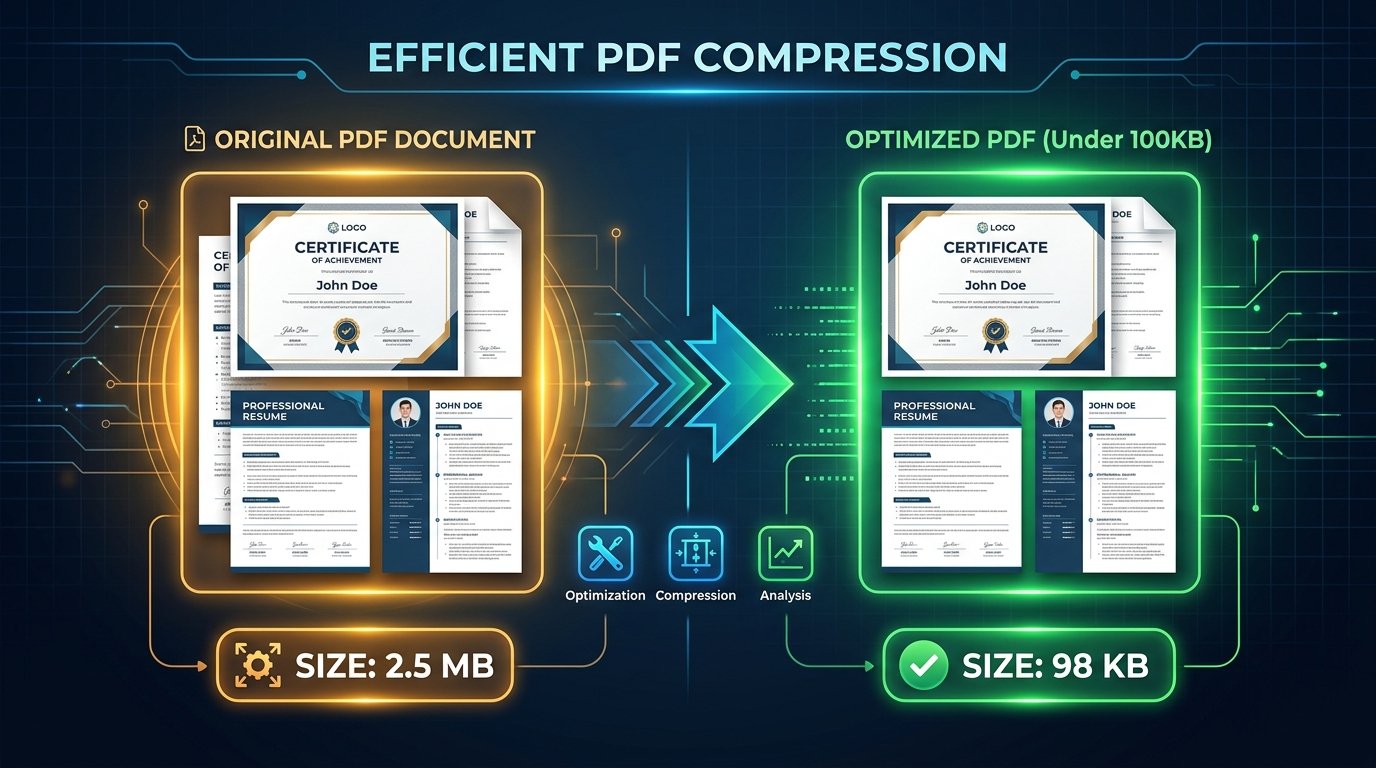
ToolMela’s Resize PDF to 100KB eliminates this roadblock by utilizing an intelligent, content-aware compression pipeline. Rather than uniformly destroying image quality across the entire document, our compressor reorganizes the PDF’s internal data streams. It deflates embedded fonts using lossless Flate algorithms, removes unneeded XML metadata, and downsamples high-resolution raster page scans to an optimal 150 DPI resolution. The resulting PDF file sits safely beneath the 100KB boundary while keeping fine 8-point footnote typography, signatures, and rubber stamp impressions crystal-clear for automated portal validators and human screening officers alike.
Key Features of ToolMela Resize PDF to 100KB
Pre-configured to compress documents strictly within the 80KB to 99KB sweet spot, guaranteeing immediate acceptance on portal upload scripts.
Downsamples embedded raster pages to 150 DPI—the recognized standard that strikes the ideal balance between low byte weight and razor-sharp screen legibility.
Executes the entire compression sequence directly in your browser RAM, delivering complete results in 2 to 3 seconds without uploading files over the web.
Outputs clean, authentic PDF files with zero third-party promotional watermarks, ensuring complete professional presentation for job applications.
Step-by-Step Guide: How to Compress a PDF to 100KB on ToolMela.com
Select Your Target PDF Document
Click "Choose File" or drag your marksheet, degree certificate, caste certificate, or income affidavit directly into the upload area.
Automated Stream Re-encoding
ToolMela’s WASM compressor scans object dictionaries, strips unneeded metadata headers, deflates typography streams, and resizes embedded images to hit the 100KB boundary.
Verify Readability at 100% Zoom
Review the on-screen size confirmation (e.g. 92KB). Verify that dates, subject marks, roll numbers, and official signatures remain distinctly readable.
Download and Upload to Portal
Click "Download PDF" to save the compliant file directly to your computer or phone. Upload the result directly into your recruitment application form.
100% Privacy & Client-Side Data Security Assurance
Government recruitment and academic admissions require uploading highly confidential documents—including birth certificates, Aadhaar or PAN copies, salary slips, and caste certificates containing sensitive personally identifiable information (PII). Handing these records over to standard cloud conversion portals exposes you to serious data leakage risks, unmonitored server retention, and potential privacy breaches.
ToolMela solves this privacy dilemma through a strict client-side architecture. Powered by WebAssembly and local JavaScript execution, your documents are decoded, resized, and recompiled directly within your device’s browser sandbox. Zero document bytes are uploaded to our servers, and no files are ever stored on external cloud infrastructure. You can inspect network traffic in Developer Tools to confirm that not a single byte of your document is sent across the internet. Once you close your browser tab, all temporary memory is instantly and permanently cleared.
Frequently Asked Questions (FAQ)
Why do government and recruitment portals specifically enforce a 100KB PDF limit?
Recruitment boards such as SSC, UPSC, and state PSCs receive millions of applications per cycle. Capping individual document uploads (like caste certificates, degree marksheets, and identity proofs) at 100KB optimizes database bandwidth and storage while ensuring fast server-side document loading for verification officers across rural internet connections.
How does ToolMela keep certificates and marksheets legible under 100KB?
Rather than applying aggressive blur filters, ToolMela uses adaptive 150 DPI downsampling and Flate stream deflation. It purges redundant metadata and font duplicates while maintaining sharp edge contrast on text glyphs, certificate serial numbers, and official rubber stamps.
Can a multi-page PDF with 5 to 10 pages be compressed under 100KB?
If the multi-page PDF is digital text compiled from a word processor, it easily compresses under 100KB. However, if each page is a full-color scanned photo, cramming 5 to 10 pages into 100KB requires extreme downsampling. For best results, crop out blank margins, convert color scans to grayscale, or split out only the specific pages requested by the application.
Are my academic certificates and identity documents saved on ToolMela servers?
No. All compression operations run 100% client-side within your browser's local sandbox memory using WebAssembly. Your documents are never uploaded to remote servers, never stored in cloud databases, and never inspected by third parties.
