Resize PDF to 500KB: Compress Multi-Page Documents for Admissions & Job Portals
Meet strict 500KB upload limits for postgraduate university applications, visa dossiers, bank KYC portals, and corporate onboarding. Shrink heavy PDF bundles while preserving high-definition clarity.
The Real-World Challenge of Submitting Multi-Page PDF Bundles Under 500KB
When submitting comprehensive dossiers—such as multi-semester university transcripts, corporate financial statements, rental agreements, or embassy visa supporting documents—applicants frequently encounter the strict 500KB upload ceiling. When digitized using multi-function office scanners or mobile scanning applications, a 5-to-15 page dossier routinely generates files between 10MB and 30MB. Submitting these bulky files directly is impossible on institutional portals that automatically abort uploads larger than half a megabyte. Conversely, attempting to force multi-page documents down using basic online tools often causes severe text degradation, distorted tables, pixelated official stamps, or even missing pages, placing the applicant at immediate risk of administrative disqualification.
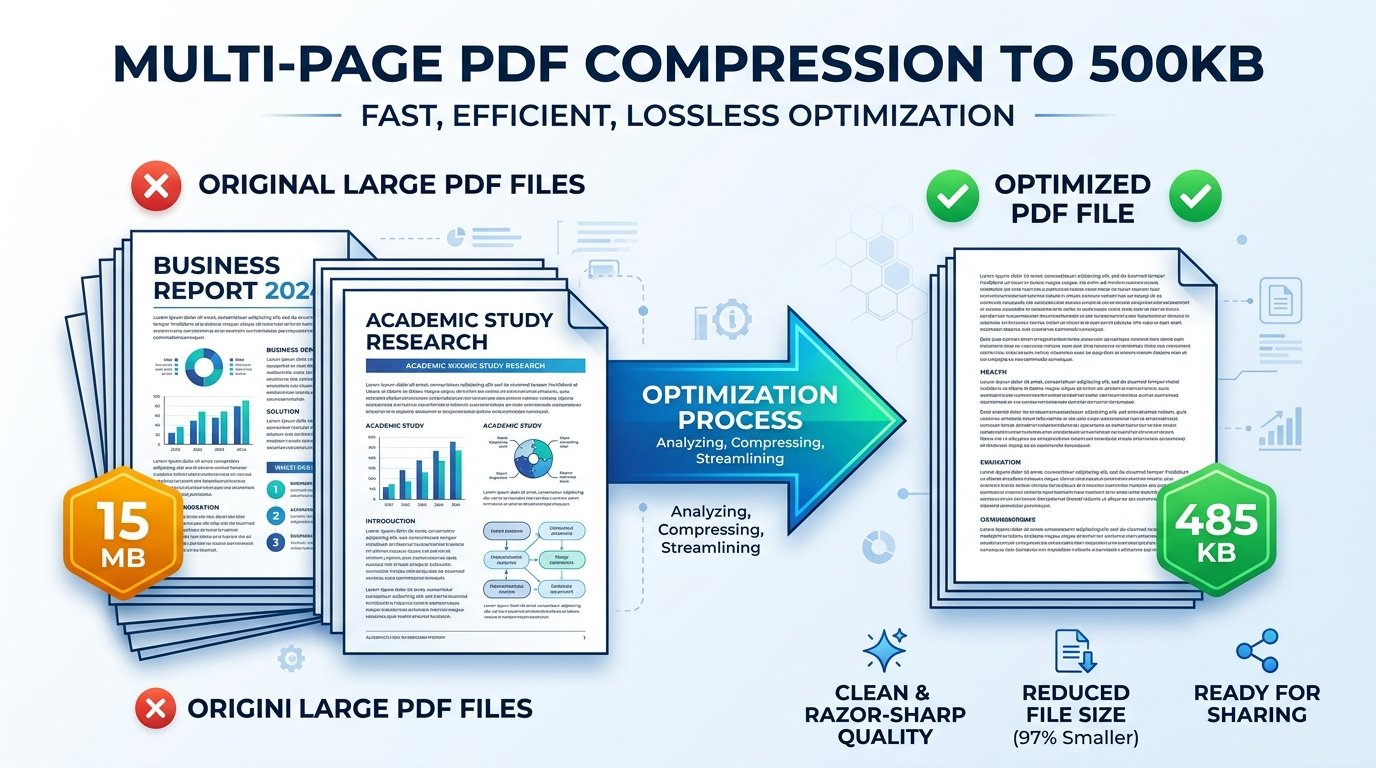
ToolMela’s Resize PDF to 500KB delivers an engineered, content-aware solution designed specifically for extensive multi-page documents. Rather than applying uniform, destructive compression across all pages, our WebAssembly compressor restructures the document’s internal object tree. It eliminates redundant metadata headers, deflates font stream dictionaries with lossless Flate algorithms, and dynamically downsamples embedded raster images to an optimal 150 DPI resolution. The resulting PDF file sits safely between 420KB and 490KB—comfortably under the 500KB limit while ensuring tabular marks, registrar signatures, and colored notary seals remain pin-sharp for human verification officers and automated portal parsers.
Key Features of ToolMela Resize PDF to 500KB
Engineered to land your document reliably within the 420KB to 495KB window, guaranteeing immediate compliance with portal file size validators.
Smoothly processes dossiers spanning 5 to 20+ pages, distributing byte allocation evenly across every sheet to avoid quality drop-offs on later pages.
Executes the entire compression pipeline directly in your browser memory in 2 to 4 seconds without network upload delays or queue wait times.
Downloads clean, authentic PDF files with zero third-party promotional watermarks, ensuring 100% professional presentation for official review.
Step-by-Step Guide: How to Compress a PDF to 500KB on ToolMela.com
Select Your Target PDF Document
Click "Choose File" or drag your multi-page marksheet dossier, contract, or visa application PDF directly into the upload area.
Automated Stream Optimization
ToolMela’s in-browser WASM engine inspects page streams, purges redundant XML metadata, deflates font tables, and downsamples raster elements to hit the 500KB ceiling.
Inspect Output Clarity at 100% Zoom
Review the on-screen size confirmation (e.g. 472KB). Verify that dates, subject marks, official notary seals, and signatures remain distinctly legible across every page.
Download and Submit to Portal
Click "Download PDF" to save the compliant file directly to your device storage. Your document is immediately ready for submission to your portal.
100% Privacy & Client-Side Data Security Assurance
Multi-page PDFs frequently contain your most sensitive legal and financial data—including bank account statements, salary compensation slips, tax identification numbers, and residential lease agreements. Handing these documents over to public cloud conversion servers creates severe privacy exposures, unmonitored data mining risks, and potential data leaks.
ToolMela eliminates this exposure through our zero-upload, client-side architecture. Powered by local WebAssembly execution, all PDF decoding, stream deflation, and page re-rendering happen directly inside your web browser’s memory. Zero bytes of document data are transmitted to our servers or stored on external cloud infrastructure. You can inspect network activity in your browser's Developer Tools to verify that not a single byte leaves your computer. The instant you close your browser tab, all temporary memory buffers are completely and permanently cleared.
Frequently Asked Questions (FAQ)
Why do visa portals and universities specify a 500KB limit instead of smaller targets?
A 500KB limit provides the optimal balance for multi-page documents—such as consolidated transcripts, employment contracts, and visa sponsorship dossiers. It grants sufficient data headroom to keep multi-page color scans, notary stamps, and tabular figures clear while preventing multi-megabyte files from choking portal database infrastructure.
Can a 10 to 20 page document realistically be compressed under 500KB without losing legibility?
Yes. If the PDF consists of text generated by word processors (like MS Word or Google Docs), even 50 pages can easily sit under 500KB. For scanned documents, ToolMela removes extraneous color noise and resizes pages to 150 DPI, allowing bundles of 8 to 15 scanned pages to stay comfortably below 500KB with crisp text.
What is the difference between compressing to 200KB versus 500KB?
A 200KB limit is usually enforced for 1 to 3 page certificates. A 500KB limit provides more than double the data budget, allowing you to compress longer dossiers, multi-semester grade cards, and documents containing rich color seals or complex charts without aggressive compression artifacts.
Are my confidential banking records and legal documents saved on ToolMela servers?
No. ToolMela operates on a 100% client-side WebAssembly architecture. Your files are processed entirely inside your local device's browser memory. Zero bytes are uploaded to remote servers, and all temporary buffers are purged the moment you close the browser tab.
