Compress PDF to 2MB Online: Optimize Substantial Multi-Page Documents for Hassle-Free Uploads
Downsize extensive legal filings, comprehensive audit reports, and multi-page booklets under 2MB while preserving crisp typography and official seals.
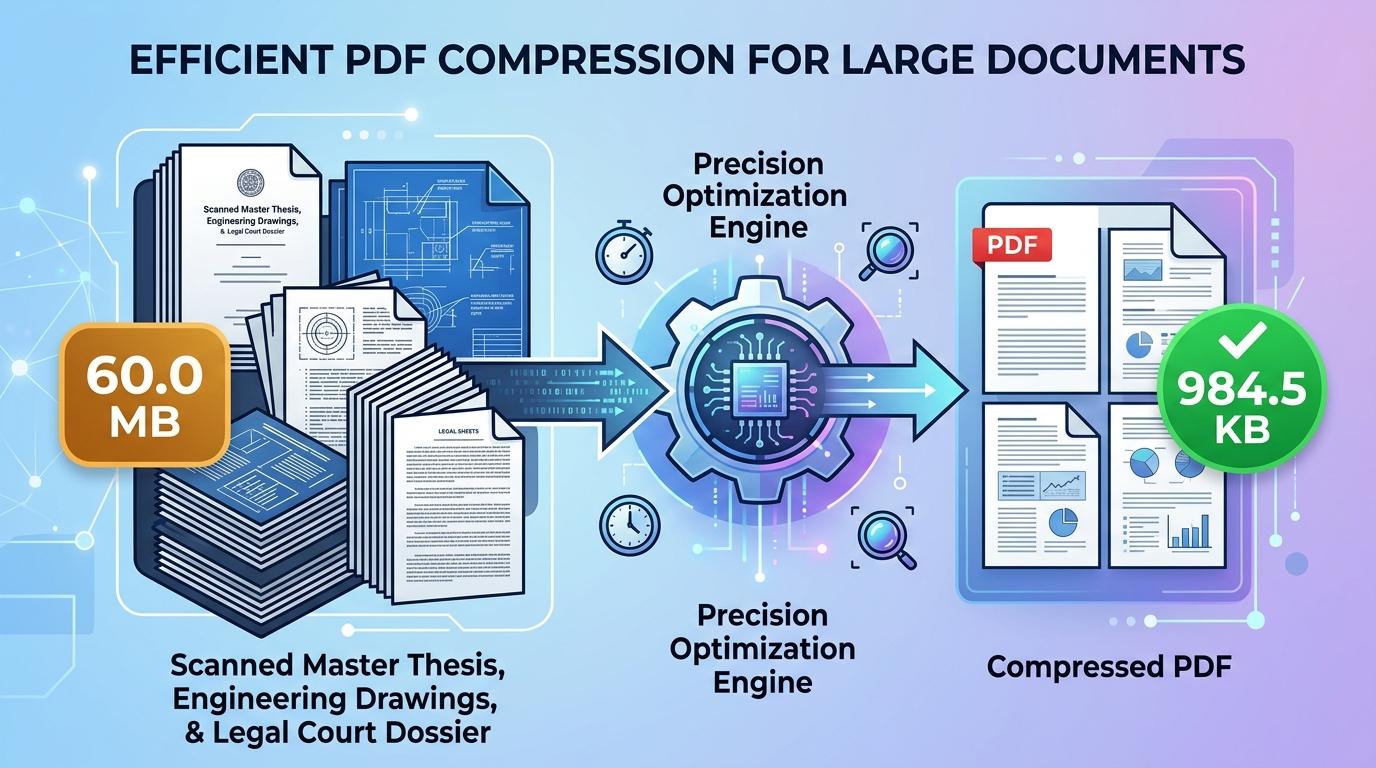
Navigating modern application portals frequently requires submitting extensive documentation under strict file-size constraints. Immigration agencies, national competitive examination boards, judicial e-filing registries, and university thesis repositories commonly set an upper limit of 2MB for single document uploads. This threshold is specifically chosen for substantial multi-page packages—such as legal briefs accompanied by evidentiary exhibits, comprehensive company audit reports, architectural specifications, and multi-year academic transcripts—where tighter caps would compromise chart legibility or scan clarity.
Even with a generous 2MB data ceiling, uncompressed digital paperwork frequently breaches portal thresholds. Multi-function commercial copiers, desk scanners, and mobile camera apps routinely output digitized paperwork at uncompressed 300 or 600 DPI settings with 24-bit color palettes. Under those conditions, a routine twenty-page legal filing or technical bid easily expands into a 40MB or 80MB file. When submitted, these bloated files cause network timeouts, consume excessive mobile data, and trigger immediate rejection messages from portal servers. Finding a practical way to compress PDF to 2mb online allows you to bring oversized packages into compliance while keeping fine print and official seals sharp.
ToolMela offers a dedicated, in-browser document optimization utility calibrated precisely for the 2MB threshold. Our tool allows you to reduce PDF size to 2mb directly inside your web browser on mobile phones, tablets, laptops, and desktop computers. Whether you need to compress PDF under 2mb for a pending civil service application, resize PDF to 2mb, compress PDF below 2mb, shrink PDF to 2mb, compress PDF file to 2mb, or reduce PDF to 2mb online free without registration hurdles or watermark branding, our secure pdf compressor 2mb prepares crisp, submission-ready files in seconds.
Why People Use This Tool
Engineered specifically to meet 2MB file limits commonly mandated by court registries, visa services, and government procurement portals.
A 2MB ceiling provides generous data bandwidth, allowing charts, complex diagrams, identity photos, and ink notary seals to remain sharp.
File re-rendering occurs locally within your web browser sandbox, ensuring confidential business agreements and personal dossiers never touch external cloud servers.
Eliminates lengthy server upload queues by processing pages directly on your device using hardware-accelerated browser rendering.
Easily compresses lengthy files spanning twenty to fifty pages while retaining crisp typographic clarity on every sheet.
Generates clean, publication-grade PDFs without inserted advertising stamps, watermarks, or page restrictions.
How to Use the Tool
- 1Select Your DocumentTap the file selection area to browse your local device storage, or simply drag and drop your PDF into the upload container.
- 2Document ParsingThe utility instantly evaluates your document structure, analyzing page count, image resolution, and stream data.
- 3Automated Target CompressionThe engine calculates the required downsampling curves and applies quality-aware optimization to achieve the 2MB target.
- 4Examine the ResultCheck the displayed before-and-after byte count on screen to confirm the output meets your submission guidelines.
- 5Download the Compressed PDFClick the download button to save your optimized document locally, ready for immediate upload to your chosen portal.
Understanding the Output
In binary terms, a 2MB file threshold equals approximately 2,048 kilobytes (or 2,097,152 bytes). For moderate files containing five to twelve pages, this allowance offers exceptional visual fidelity. High-contrast typography, colored company letterheads, and rubber ink endorsements retain virtually all of their original sharpness because very little aggressive downsampling is required.
When working with substantial files containing thirty, fifty, or more pages, the 2MB ceiling must be distributed across the entire page sequence. This yields roughly 40KB to 70KB per page. Under these conditions, the compression engine prioritizes high-contrast line work and typographic borders while gently compressing photographic fills and smooth gradients. Always open your finished file in a standalone PDF viewer at 100% zoom to verify that fine print, footnote numbers, and financial tables remain clear before completing your submission.
Privacy & File Handling
Confidentiality is critical when handling sensitive documentation such as judicial affidavits, commercial contracts, tax statements, and medical evaluations. Traditional online converters frequently transmit your paperwork across third-party cloud infrastructure, where documents may linger in server caches or temporary storage disks.
ToolMela provides a private, client-side alternative. All document rendering, image rasterization, and compression routines execute directly inside your browser sandbox using HTML5 Canvas and WebAssembly. Your documents never traverse remote network connections and are never saved on ToolMela's servers. The moment you close the browser tab, all temporary working data is automatically removed from device memory.
Useful Tips for Best Results
Scanned sheets often feature black borders or shadow bands along paper edges. Trimming these borders before compression saves valuable byte allowance for actual content.
If your document consists primarily of printed clauses, typed reports, and signatures, scanning in grayscale removes unnecessary RGB color channels, allowing crisper typography at 2MB.
Compressing a file that has already undergone heavy optimization compounds visual artifacts. Always start with the original, uncompressed source document.
Take a moment to inspect fine numerical details—such as bank account numbers, tax identification figures, and serial codes—to ensure zero pixel blurring.
Common Problems and Solutions
Very long files containing seventy or more full-color pages may occasionally exceed the limit. Splitting the document into logical sections or converting full-color scans to grayscale will bring the file beneath 2MB.
If small fonts appear blurry, the original paper scan may have been digitized at too low a resolution. Digitize documents at 150 to 200 DPI on a flatbed scanner with uniform lighting.
Password-protected or encrypted PDF documents cannot be processed by client-side browser engines. Remove file restrictions using your default PDF reader before uploading.
Even when size criteria are satisfied, some older portals reject filenames with spaces, commas, or special punctuation. Rename your file using clean alphanumeric characters (such as "application_dossier_2mb.pdf") before uploading.
Frequently Asked Questions
Clear answers to common questions about 2MB PDF compression and portal compatibility.
Why do institutional portals enforce a 2MB upload ceiling?
A 2MB limit represents an ideal balance for institutional systems handling multi-page documentation. It provides enough data capacity for applicants to submit comprehensive dossiers with legible stamps and figures while preventing database servers from being overloaded by massive 50MB raw scans.
How many pages can I compress into a 2MB PDF?
A 2MB file budget comfortably accommodates twenty-five to fifty pages of standard black-and-white text, tables, and signatures. For documents containing color photographs or architectural drawings, keeping the page count between fifteen and twenty ensures optimum visual sharpness.
Does compressing to 2MB remove bookmarks or form fields?
Yes. To ensure strict file size compliance across diverse PDF standards, the tool re-renders each page into an optimized visual layout. This flattens interactive form fields, bookmarks, and annotation layers into permanent, static visual content that displays consistently across all PDF viewers.
Does ToolMela store a copy of my documents?
No. ToolMela does not store, review, or retain your files. All document processing takes place directly within your device's web browser through client-side code execution. Your confidential files never traverse remote networks or save onto external servers.
Related Document Compression Utilities
Precision reduction for job applications, thesis packets, and portfolios.
Compress PDF to 700KBPrecision reduction for large document submissions and packets.
Compress PDF to 500KBPrecision reduction for email attachment caps and corporate portals.
Compress PDF to 400KBPrecision reduction for legal pleadings, filings, and packets.
Compress Scanned PDFRe-render heavy multi-page paper scans down under 2MB.
