Compress PDF to 3MB Online: Downsize Heavy Portfolios and Manuals Without Blurring Details
Downsize architectural blueprints, engineering schematics, and extensive research compilations under 3MB while preserving fine lines and typography.
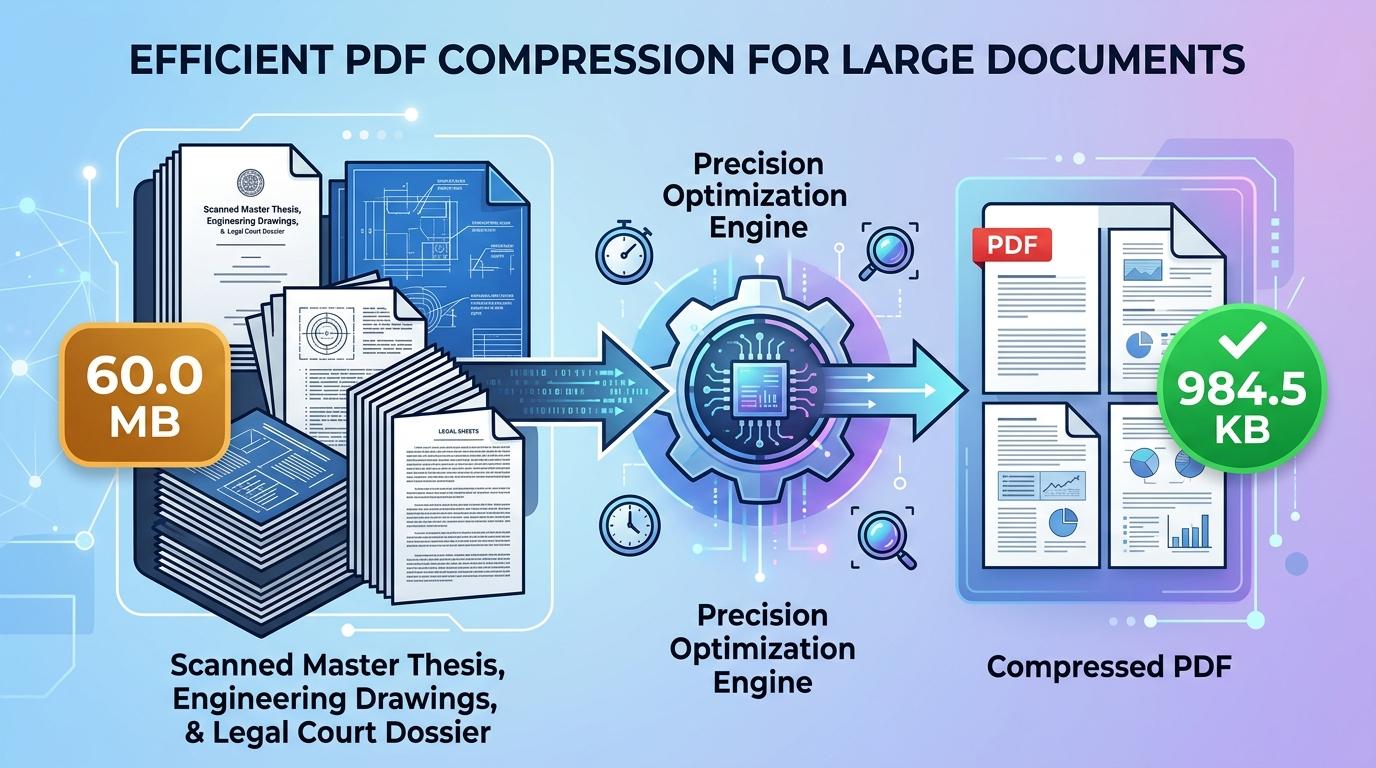
Institutional web platforms frequently set a 3MB upload boundary when receiving complex, image-heavy documentation. Government grant portals, municipal planning departments, patent offices, environmental compliance registries, and international academic journals widely adopt 3MB as their standard threshold. This particular allowance is intended for extensive files—such as architectural blueprints, engineering schematics, product assembly handbooks, clinical study exhibits, and multi-chapter research compilations—where smaller ceilings like 500KB or 1MB would inevitably turn intricate vector paths, small chart legends, and fine photographic details into a pixelated blur.
Even with a generous 3MB data budget, raw digitized documents routinely exceed system thresholds. Office multifunction copiers and digital flatbed scanners generally save multi-page paperwork at 300 or 600 DPI using uncompressed color spaces. As a result, an ordinary forty-page construction report or legal filing packet can easily balloon to 60MB, 90MB, or higher. Attempting to submit files of that magnitude triggers server timeout errors, stalls browser uploads, or prompts outright portal rejections. Users looking to compress PDF to 3mb online need a specialized utility that discards redundant stream layers and applies balanced raster optimization without sacrificing typographic edge sharpness or technical drawing fidelity.
ToolMela delivers a private, browser-based document compression tool configured specifically for the 3MB standard. Our client-side optimization utility makes it easy to reduce PDF size to 3mb directly inside your web browser on mobile phones, laptops, and desktop computers. Whether you need to compress PDF under 3mb for an impending public tender deadline, resize PDF to 3mb, compress PDF below 3mb, shrink PDF to 3mb, compress PDF file to 3mb, or reduce PDF to 3mb online free without creating an account or paying recurring fees, our secure pdf compressor 3mb delivers balanced, professional results within moments.
Why People Use This Tool
Tuned specifically to pass 3MB upload checks enforced by patent databases, planning authorities, and enterprise procurement networks.
A 3MB budget effortlessly accommodates thirty to eighty pages of mixed text and illustrations without turning small font sizes blurry.
Maintains distinct edge contrast around vector diagrams, CAD exports, mathematical formulas, and forensic graphs.
Document re-rendering occurs locally inside your web browser sandbox, keeping proprietary engineering files and private dossiers entirely confidential.
Leverages your device's local processing capability to analyze and compress pages instantly without waiting in remote server queues.
Generates pristine, publication-grade PDF documents without inserted logo stamps, marketing watermarks, or page restrictions.
How to Use the Tool
- 1Select Your DocumentTap the upload area to choose your PDF from local folders, or drag and drop your file directly into the tool window.
- 2Document AnalysisThe application immediately evaluates the file's internal layout, calculating page volume, image resolutions, and stream overhead.
- 3Adaptive Compression ExecutionThe engine computes the required downsampling curves and applies quality-aware optimization to meet the 3MB threshold.
- 4Examine Size ResultsCheck the updated file measurement shown on your screen to verify that your output document meets portal requirements.
- 5Download the 3MB PDFClick the download button to save the optimized PDF directly onto your device, ready for immediate submission.
Understanding the Output
In binary terms, a 3MB file threshold corresponds to approximately 3,072 kilobytes (or 3,145,728 bytes). For medium-length documents spanning ten to twenty pages, this ceiling provides generous data bandwidth. High-resolution company logos, colored maps, and fine signature lines retain practically their original clarity because the engine requires very little aggressive downsampling.
When working with extensive files containing fifty, seventy, or one hundred pages, the 3MB allowance is distributed across every sheet, providing roughly 30KB to 60KB per page. Under these conditions, the compression engine prioritizes strong typographic outlines and high-contrast linework while gently smoothing background fills and photographic textures. Always open the downloaded document in your preferred PDF viewer at 100% zoom to verify that fine technical legends, page numbers, and stamp outlines remain easily legible before submitting your file.
Privacy & File Handling
Confidentiality is a critical consideration when handling sensitive paperwork such as patent disclosures, proprietary commercial proposals, legal exhibits, and financial statements. Many generic online compressors transmit your entire document across external cloud infrastructure, where copies may be retained in temporary server caches or remote processing logs.
ToolMela relies entirely on a client-side architecture. All document reading, raster rendering, and compression operations run locally inside your browser sandbox using HTML5 Canvas and WebAssembly. Your paperwork is never uploaded to ToolMela's servers, never seen by third parties, and never stored on remote drives. The moment you close or refresh your browser tab, all temporary working data vanishes from your device's memory.
Useful Tips for Best Results
Black border artifacts and dark shadows along scanned paper margins waste significant byte budget. Trimming page perimeters prior to compression preserves more space for actual content.
If your document contains mostly typed contract terms, reports, and signatures, scanning in grayscale eliminates unnecessary color channels and yields crisper letterforms at 3MB.
Applying compression to an already blurry or heavily degraded scan compounds visual distortion. Always begin with the cleanest digital master file available.
If your document contains architectural drawings or engineering schematics, inspect hairline vectors at full magnification after compression to ensure thin lines remain continuous and unbroken.
Common Problems and Solutions
Documents containing more than one hundred pages with full-color graphics may occasionally remain above the target. Splitting the document into logical volumes or converting color pages to grayscale will easily bring the file beneath 3MB.
If small table notations look faint or fuzzy, the original scan may have been digitized at low resolution or with poor contrast. Re-scan source pages at 200 to 300 DPI under clean, even lighting.
Client-side compression engines cannot open encrypted or permission-locked PDF files without credentials. Unlock the PDF using your desktop software before selecting it in the tool.
Even when file size is fully compliant, some older portal systems reject filenames containing spaces, symbols, or special characters. Rename your file to a simple title like "project_dossier_3mb.pdf" prior to uploading.
Frequently Asked Questions
Clear answers to common questions about 3MB PDF compression and document optimization.
Why do institutional portals enforce a 3MB upload limit?
A 3MB ceiling is common on platforms receiving multi-page, graphically detailed documentation, such as municipal building departments, grant funding agencies, and patent evaluation offices. It provides sufficient data capacity to keep complex diagrams and multi-page reports crisp while protecting portal databases from unmanageable server loads.
How many pages can I compress into a 3MB PDF?
A 3MB file budget comfortably accommodates thirty-five to seventy pages of standard black-and-white text, tables, and signatures. For documents that include detailed diagrams, full-color photographs, or architectural drawings, keeping the page count between twenty and thirty-five ensures optimal visual quality.
Does compressing to 3MB remove bookmarks or form fields?
Yes. To ensure strict file size compliance across various PDF standards, the tool re-renders each page into an optimized visual layout. This flattens interactive form fields, bookmarks, and annotation layers into permanent, static visual content that displays consistently across all PDF viewers.
Does ToolMela keep a copy of my compressed documents?
No. ToolMela does not store, review, or retain your files. All document processing takes place directly within your device's web browser through client-side code execution. Your confidential files never traverse remote networks or save onto external servers.
Related Document Compression Utilities
Precision reduction for judicial filings, audit reports, and exhibits.
Compress PDF to 1MBPrecision reduction for job applications, thesis packets, and portfolios.
Compress PDF to 700KBPrecision reduction for large document submissions and packets.
Compress PDF to 500KBPrecision reduction for email attachment caps and corporate portals.
Compress Scanned PDFRe-render heavy multi-page paper scans down under 2MB.
