Compress PDF to 120KB Online: Clean Document Compression for Application Portals
Downsize certificates, mark sheets, and signed forms under 120KB while preserving critical seals, signatures, and printed serial numbers.
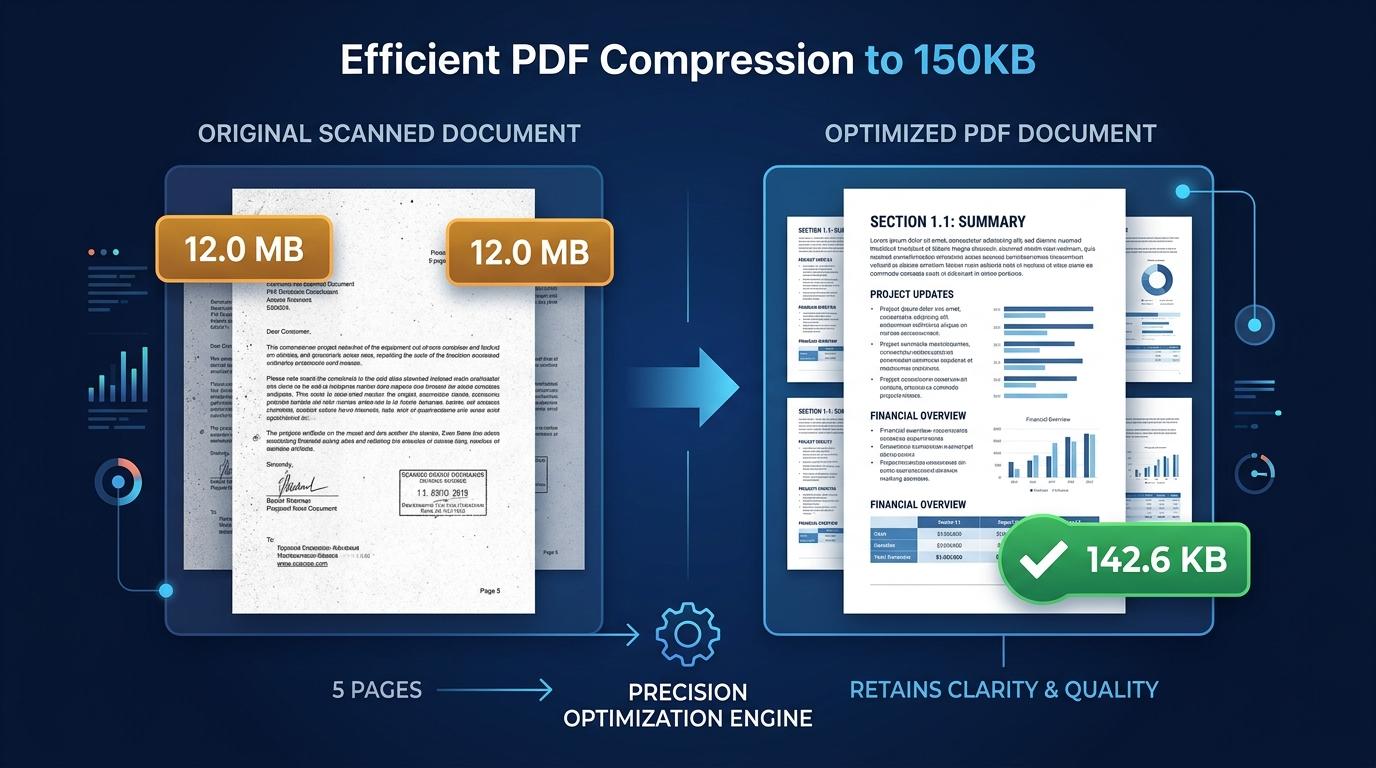
Online registration forms, academic admissions, and employment portals frequently specify unusual file size restrictions. While 50KB or 100KB limits are widely recognized, numerous university management systems, regional public service portals, and professional recruitment platforms enforce a 120KB maximum file threshold. When applicants attempt to upload a newly scanned certificate or signed declaration measuring 150KB or 2MB, portal upload systems reject the document instantly, creating unexpected roadblocks during tight submission deadlines.
Finding the right balance during compression is essential. Generic compression tools often reduce documents unpredictably, either stopping short at 130KB or crushing the file into an illegible, pixelated blur where roll numbers, stamps, and candidate signatures become unreadable. To compress PDF to 120KB online while preserving essential details, users need an adaptive tool designed to calculate the exact balance between byte size and typographical clarity.
ToolMela offers a dedicated solution engineered to meet this requirement. The client-side utility helps you reduce PDF size to 120KB directly within your browser. Whether you need to compress PDF under 120KB for an upcoming exam registration, resize PDF to 120KB, compress PDF below 120KB, shrink PDF to 120KB, compress PDF file to 120KB, or reduce PDF to 120KB online free with absolute privacy, our pdf compressor 120kb produces clean, portal-compliant documents in seconds.
Why People Use This Tool
Tailored specifically to satisfy institutional upload limits requiring files under 120KB.
Confidential identity records, tax receipts, and marks statements are processed locally without cloud server transfers.
Calibrated compression algorithms prevent candidate names, registration codes, and institution stamps from blurring.
Documents optimize in seconds right on your computer or mobile device without uploading heavy files over slow connections.
Access the tool immediately without providing email addresses or receiving unwanted branding on your paperwork.
Easily inspect original size, final compressed size, and total reduction percentages before saving.
How to Use the Tool
- 1Select Your PDF DocumentClick inside the file upload box to select your PDF from device storage, or drag and drop your document directly into the tool.
- 2Automatic Document InspectionThe engine analyzes the PDF layout, evaluating page count, embedded images, resolution, and stream metadata.
- 3Adaptive Target OptimizationThe compression process dynamically optimizes raster graphics and discards redundant data to fit the 120KB budget.
- 4Inspect Compression ResultsReview the resulting byte size on the screen to confirm your document meets portal guidelines.
- 5Download the 120KB FileClick the download button to store the optimized PDF on your device, ready for immediate application upload.
Understanding the Output
A 120KB target provides approximately 122,880 bytes of total data budget. For a single-page document—such as a degree certificate, marksheet, character certificate, or payment receipt—this allowance provides sufficient room for sharp typographic rendering and clean visual contrast. Compared to more aggressive thresholds like 30KB or 50KB, 120KB allows the tool to preserve higher graphic detail, ensuring that candidate photographs, embossed institutional stamps, and ink signatures remain recognizable.
However, file limits always govern the entire PDF rather than each page separately. If you submit a multi-page document containing three, four, or more pages, the 120KB ceiling must be distributed across every page. In such cases, each page receives roughly 30KB to 40KB of data, requiring the engine to downsample embedded scans more aggressively. If your application portal permits separate uploads for each document, compressing single-page files individually yields superior visual quality.
Privacy & File Handling
Uploading private records like academic certificates, tax filings, and photo IDs to unfamiliar websites presents valid security concerns. Many online PDF utilities transmit your files to remote cloud servers, where they may linger in temporary directories or get archived in server backup caches.
ToolMela operates on a local-first privacy standard. All rendering and compression algorithms run entirely within your web browser using HTML5 Canvas, JavaScript, and WebAssembly technologies. Your PDF never travels across the internet to our servers, and no copy is ever saved, analyzed, or indexed. The moment you download your finished document and close your browser tab, all temporary data is instantly cleared from your local device memory.
Useful Tips for Best Results
Heavy black margins and shaded paper edges consume unnecessary data. Crop the document neatly before converting it to PDF.
If your document consists primarily of printed text, tables, and blue or black ink seals, scanning in grayscale removes excess color overhead, producing sharper letters at 120KB.
When an application requires several separate certificates, submit each as an individual single-page PDF rather than bundling them into one heavy file.
Always open the downloaded PDF in your preferred viewer at actual size (100%) to confirm candidate names, roll numbers, and dates are completely legible before submitting.
Common Problems and Solutions
This typically happens with multi-page files containing high-resolution color photographs or intricate graphic backgrounds. Crop empty borders, switch to grayscale, or split pages to bring the file within 120KB.
If text lacks sharpness, the source scan may have been low quality or blurry. Re-scan the paper original using a flatbed scanner at 150 to 200 DPI under uniform lighting.
The client-side compression engine cannot read password-protected PDFs. Remove password restrictions using your PDF software before uploading.
Some application websites enforce strict file naming conventions. Rename your file to use simple alphanumeric characters without spaces or special symbols (for instance, use marksheet_120kb.pdf instead of my file (1).pdf).
Frequently Asked Questions
Clear answers to common questions about 120KB PDF optimization and portal compatibility.
Why do certain portals specifically specify a 120KB limit?
Portals designed for state recruitment, entrance examinations, and academic enrollment handle millions of submissions during short application periods. A 120KB limit strikes an effective balance between server bandwidth management and visual fidelity, providing enough file headroom for officers to verify marks and signatures without slowing server performance.
Can I compress a multi-page document under 120KB without making text unreadable?
Yes, depending on page count and scan complexity. Two-page documents with standard printed text compress cleanly under 120KB while preserving sharp lettering. If a document spans four or more pages, the divided data allowance may cause minor softness in fine print. Compressing individual pages separately delivers the sharpest visual result.
Does ToolMela save or view my uploaded documents?
No. All processing happens locally within your web browser. Your document is never uploaded to ToolMela's servers, never stored in cloud storage, and never accessed by any third party. Your files remain completely private on your own device.
Will official signatures, barcodes, and QR codes remain scannable at 120KB?
Yes. A 120KB file size provides ample room to preserve clean contrast around verification barcodes, QR codes, and ink signatures. Always review your completed document at 100% zoom before submission to ensure all scannable elements remain distinct.
Related Document Compression Utilities
Standard threshold for marksheets, caste, and income certificates.
Compress PDF to 80KBPrecision reduction for regional banking and municipal applications.
Compress PDF to 75KBPrecision reduction for police and recruitment application forms.
Compress PDF to 50KBStandard threshold for government exams and recruitment uploads.
Compress Scanned PDFRe-render heavy multi-page paper scans down under 2MB.
