Compress PDF to 4MB Online: Maintain Visual Precision for Heavy Technical and Legal Dossiers
Downsize appellate court briefs, technical equipment manuals, and multi-page engineering tenders under 4MB while preserving fine linework and official stamps.
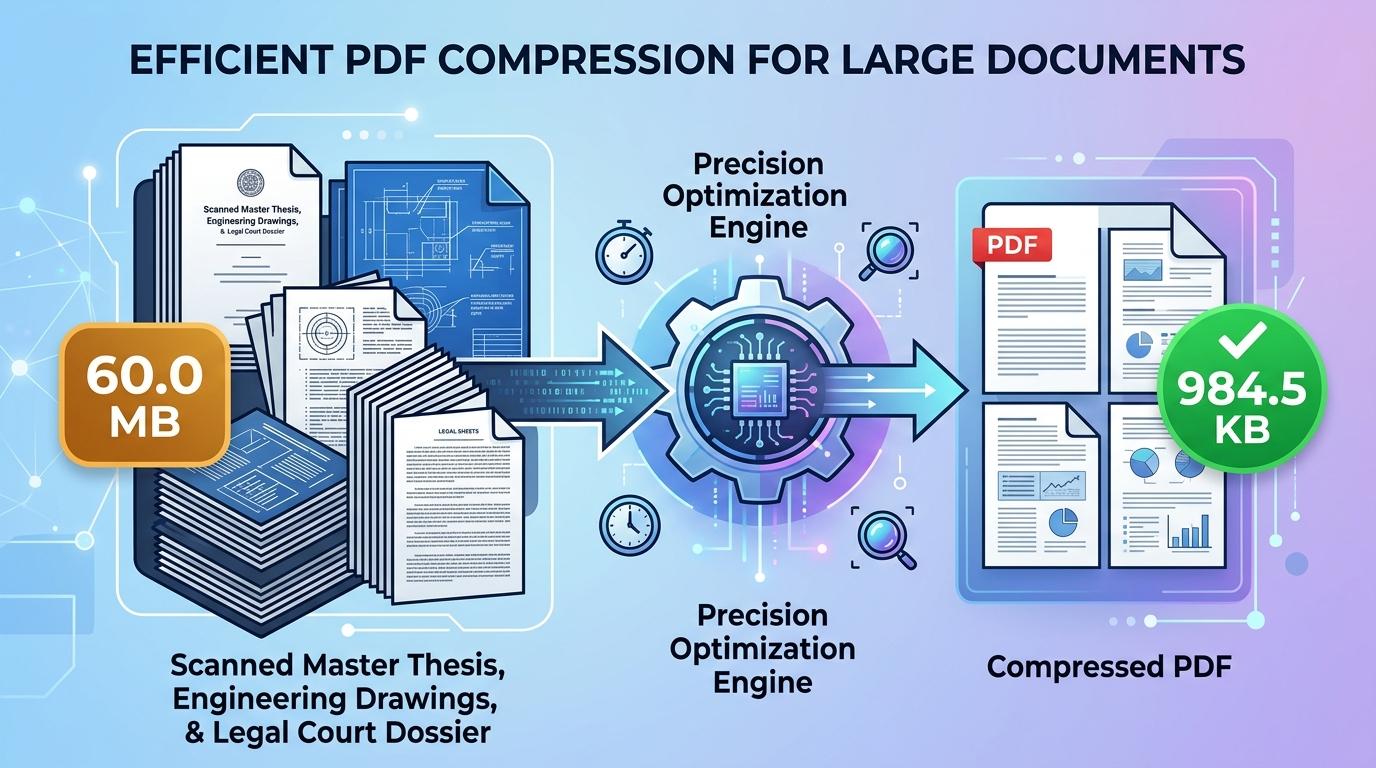
Filing extensive documentation through specialized organizational portals frequently encounters file-size caps. Appellate court filing registries, municipal zoning boards, patent examination systems, and corporate procurement databases commonly enforce an upper limit of 4MB on single document uploads. This threshold is specifically calibrated for comprehensive, high-volume submissions—such as appellate trial records with evidentiary annexures, industrial machinery manuals, commercial lease portfolios, and multi-chapter engineering tenders—where tighter restrictions would severely degrade complex blueprints, high-resolution schematics, and color-coded site plans.
Even with a generous 4MB ceiling, unoptimized paperwork routinely triggers upload rejections. Commercial office scanners and industrial photocopiers capture paper records using default 300 or 600 DPI settings across full RGB color profiles. Under these scanning presets, a sixty-page legal brief or technical project bid easily swells to 80MB, 120MB, or higher. When uploaded, these bloated files stall unstable internet connections, generate browser timeout errors, or receive immediate rejection notices from server firewalls. Finding a dependable way to compress PDF to 4mb online resolves this bottleneck by trimming unnecessary stream overhead while safeguarding the clarity of fine linework, notary stamps, and microscopic footnotes.
ToolMela provides a lightweight, browser-based document compression tool designed specifically for the 4MB threshold. Our utility enables you to reduce PDF size to 4mb directly inside your web browser on desktop workstations, laptops, tablets, or smartphones. Whether you need to compress PDF under 4mb for an urgent regulatory filing deadline, resize PDF to 4mb, compress PDF below 4mb, shrink PDF to 4mb, compress PDF file to 4mb, or reduce PDF to 4mb online free without creating an account or paying subscription fees, our dedicated pdf compressor 4mb generates balanced, professional files in moments.
Why People Use This Tool
Built specifically to satisfy 4MB attachment limits enforced by patent agencies, legal registries, and municipal infrastructure portals.
A 4MB data budget provides ample headroom, keeping fine vector lines, intricate CAD diagrams, color maps, and signature stamps legible.
Document processing occurs entirely within your local web browser, ensuring proprietary corporate bids and private court records never touch third-party servers.
Readily compresses lengthy documents spanning forty to one hundred pages without causing noticeable font degradation.
Employs hardware-accelerated browser rendering to inspect and optimize files immediately on your device without server queue delays.
Exports pristine documents free of advertising overlays, watermarks, or page restrictions.
How to Use the Tool
- 1Select Your DocumentClick inside the file selection zone to browse your device files, or drag and drop your PDF directly into the tool window.
- 2Document AnalysisThe application immediately analyzes internal document structures, calculating page volume, embedded raster dimensions, and metadata layers.
- 3Adaptive Target OptimizationThe compression engine computes optimal downsampling ratios and eliminates redundant stream data to match the 4MB threshold.
- 4Inspect the Resulting SizeReview the updated kilobyte measurement on your screen to verify that the output document complies with portal specifications.
- 5Download the 4MB FileClick the download button to save your optimized PDF to your local drive for immediate portal submission.
Understanding the Output
In binary terms, a 4MB threshold corresponds to approximately 4,096 kilobytes (or 4,194,304 bytes). For medium-length documents spanning fifteen to thirty pages, this ceiling provides generous data bandwidth. High-contrast typography, colored company letterheads, and ink endorsements retain virtually all of their original sharpness because the engine requires minimal downsampling.
When handling massive dossiers containing sixty, eighty, or one hundred pages, the 4MB allowance is distributed across every sheet, yielding roughly 40KB to 70KB per page. Under these conditions, the compression engine prioritizes high-contrast edge definitions so that fine text and line art remain crisp, while slightly softening heavy photographic textures and background gradients. Always open your finished file in a standalone PDF viewer at 100% zoom to confirm that complex diagram legends, serial numbers, and signatures remain distinct before submitting your paperwork.
Privacy & File Handling
Confidentiality is an essential requirement when dealing with sensitive files such as patent applications, intellectual property disclosures, corporate contracts, and judicial briefs. Many conventional online conversion platforms upload documents to remote cloud storage systems, where files can linger in server caches or temporary processing queues.
ToolMela operates on a privacy-first foundation. All document reading, raster rendering, and compression routines execute directly inside your browser sandbox using HTML5 Canvas and WebAssembly. Your documents never traverse remote network connections and are never saved on ToolMela's servers. The moment you close the browser tab, all temporary working data is automatically cleared from device memory.
Useful Tips for Best Results
Black border bands and scanner shadows along document perimeters consume significant byte budget. Cropping these margins prior to compression preserves more space for actual content.
If your document consists primarily of printed legal clauses, typed reports, and signatures, scanning in grayscale discards unneeded color channels, resulting in crisper typography at 4MB.
Compressing an already blurry or heavily degraded scan compounds visual distortion. Always start the optimization process with your clearest initial digital scan.
If your document includes architectural blueprints or CAD diagrams, zoom in to 100% after compression to verify that thin technical linework remains unbroken and continuous.
Common Problems and Solutions
Exceptionally long files containing over one hundred pages with rich full-color graphics may occasionally remain above the target. Splitting the document into logical parts or converting full-color scans to grayscale will easily bring the file beneath 4MB.
Low-resolution original scans can lose clarity during re-encoding. Ensure your original paper scans were digitized at least at 200 DPI on a flat surface with even illumination.
Client-side compression engines cannot open encrypted or permission-locked PDF files without credentials. Unlock the PDF using your desktop software before selecting it in the tool.
Some application websites enforce strict file naming conventions. Rename your file to use simple alphanumeric characters without spaces or special symbols (such as "project_dossier_4mb.pdf") before uploading.
Frequently Asked Questions
Clear answers to common questions about 4MB PDF compression and document optimization.
Why do certain application portals enforce a 4MB file ceiling?
A 4MB limit is common among portals handling multi-page technical documentation, such as municipal planning departments, patent offices, and appellate court registries. It strikes a practical balance between conserving database server storage and providing sufficient resolution for multi-page forms with complex diagrams, stamps, and tables.
How many pages can I compress into a 4MB PDF?
A 4MB file budget comfortably accommodates forty to eighty pages of standard black-and-white text, tables, and signatures. For documents containing high-resolution color photographs or architectural drawings, keeping the page count between twenty-five and forty ensures optimal visual quality.
Does compressing to 4MB remove bookmarks or fillable form fields?
Yes. To ensure strict file size compliance across diverse PDF standards, the tool re-renders each page into an optimized visual layout. This flattens interactive form fields, bookmarks, and annotation layers into permanent, static visual content that displays consistently across all PDF viewers.
Does ToolMela keep a copy of my compressed documents?
No. ToolMela does not store, review, or retain your files. All document processing takes place directly within your device's web browser through client-side code execution. Your confidential files never traverse remote networks or save onto external servers.
Related Document Compression Utilities
Precision reduction for large dossiers, schematics, and manuals.
Compress PDF to 2MBPrecision reduction for judicial filings, audit reports, and exhibits.
Compress PDF to 1MBPrecision reduction for job applications, thesis packets, and portfolios.
Compress PDF to 700KBPrecision reduction for large document submissions and packets.
Compress Scanned PDFRe-render heavy multi-page paper scans down under 2MB.
