Compress PDF to 5MB Online: Effortlessly Downsize Heavy Illustrated Books and Tender Dossiers
Downsize extensive corporate tenders, illustrated research dissertations, and equipment catalogs under 5MB while preserving rich color fidelity and crisp linework.
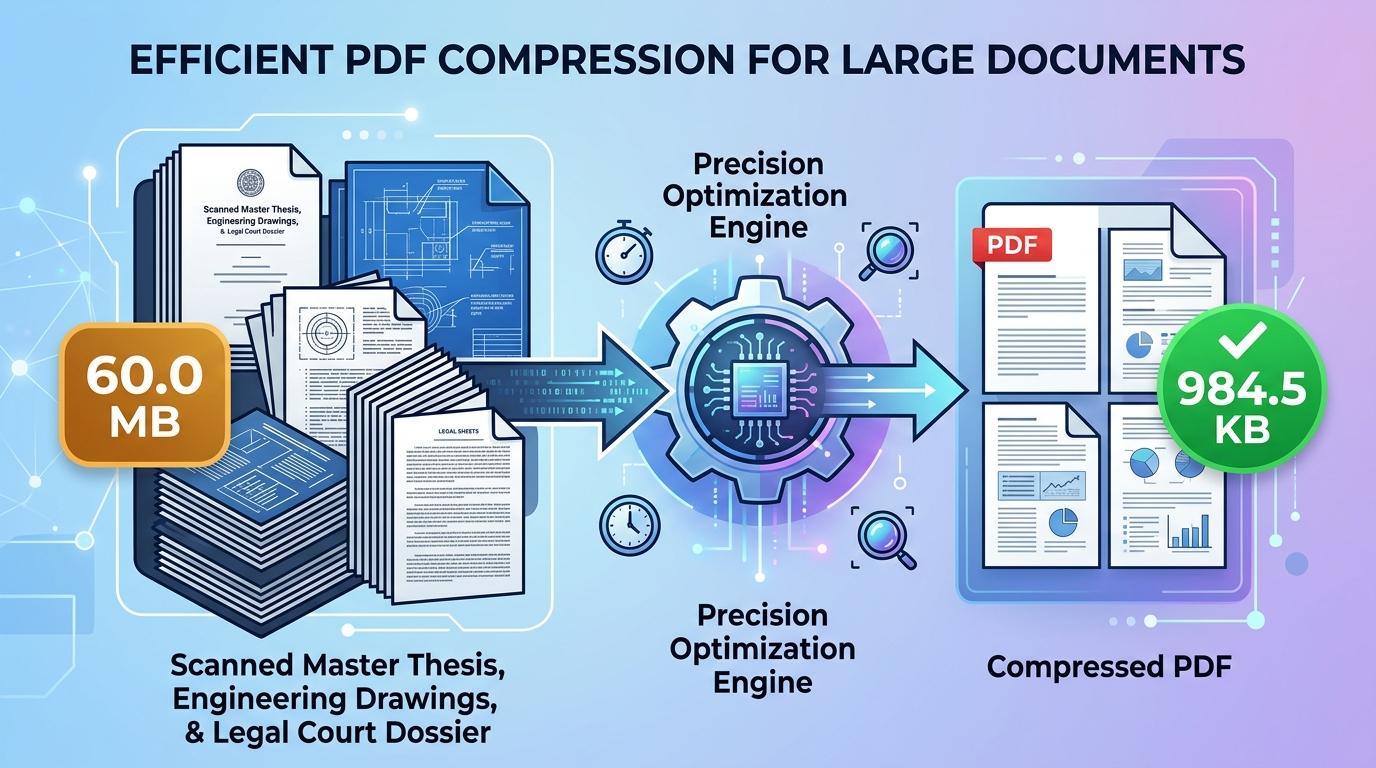
Submitting extensive, graphically rich publications through enterprise web portals frequently triggers upload failures due to file-size caps. Government procurement clearinghouses, multinational tender networks, environmental impact registries, and academic publishing archives frequently cap individual document uploads at 5MB. This substantial ceiling is tailored specifically for extensive documentation—including comprehensive corporate sustainability reports, civil engineering master plans, multi-volume product assembly manuals, and illustrated research dissertations—where tighter limits like 500KB or 1MB would inevitably destroy high-resolution photographic case studies, topographical survey maps, and colored schematics.
Despite this more generous data allowance, unoptimized documents routinely breach portal thresholds. Commercial scanning equipment, architectural CAD suites, and desktop publishing software routinely export publications at 300 to 600 DPI across uncompressed 24-bit color spaces. Under these default configurations, a seventy-page technical proposal or illustrated catalog routinely balloons to 120MB, 200MB, or higher. When uploaded, these enormous files choke internet bandwidth, stall web browsers with gateway timeout errors, and trigger outright rejection from automated application filters. Anyone looking to compress PDF to 5mb online needs a capable utility that strips bloated stream overhead and recalibrates raster assets while keeping typography needle-sharp and color charts vivid.
ToolMela provides a lightweight, browser-native document optimization solution configured specifically for the 5MB threshold. Our utility enables you to reduce PDF size to 5mb directly inside your web browser on desktop workstations, laptops, tablets, or mobile phones. If you need to compress PDF under 5mb for an impending public infrastructure tender, resize PDF to 5mb, compress PDF below 5mb, shrink PDF to 5mb, compress PDF file to 5mb, or reduce PDF to 5mb online free without registration hurdles or marketing watermarks, our client-side pdf compressor 5mb delivers polished, professional files in moments.
Why People Use This Tool
Calibrated specifically to satisfy 5MB upload restrictions enforced by government procurement boards, international grant bodies, and academic publishers.
A 5MB data budget easily supports complex full-color photographs, topographical survey maps, colored charts, and detailed technical schematics.
File optimization runs locally within your browser sandbox, ensuring sensitive trade secrets, financial records, and legal exhibits remain strictly on your device.
Effortlessly compresses lengthy files containing fifty to one hundred and fifty pages without causing text to blur or pixelate.
Leverages your local processor to analyze and optimize documents directly without waiting in remote cloud server queues.
Produces professional publications free of promotional overlays, branding watermarks, or page restrictions.
How to Use the Tool
- 1Select Your DocumentTap the file upload container to pick your PDF from local folders, or drag and drop your document straight into the browser window.
- 2Automated Structure ParsingThe tool immediately examines document geometry, evaluating total page count, embedded raster resolutions, and stream overhead.
- 3Adaptive Size OptimizationThe engine calculates necessary downsampling curves and applies quality-aware re-encoding to bring the document under the 5MB ceiling.
- 4Review Updated Size MetricsInspect the displayed file size reading on screen to confirm the output meets your target upload criteria.
- 5Download the 5MB PDFClick the download button to save the optimized PDF to your local storage, ready for immediate portal submission.
Understanding the Output
In binary storage terms, a 5MB threshold equals roughly 5,120 kilobytes (or 5,242,880 bytes). For medium-sized publications containing twenty to forty pages, this allowance offers exceptional visual fidelity. High-resolution company logos, colored maps, and intricate technical drawings retain practically their original clarity because very little aggressive downsampling is required.
When working with massive compilations spanning eighty, one hundred, or two hundred pages, that 5MB allowance is shared across every sheet, providing approximately 25KB to 65KB per page. Under these conditions, the compression engine prioritizes high-contrast line work and typographic borders while gently smoothing heavy background fills and photographic textures. Always open your finished file in a standalone PDF viewer at 100% zoom to verify that fine technical legends, table numbers, and official signatures remain distinct before submitting your paperwork.
Privacy & File Handling
Confidentiality is a critical consideration when handling sensitive commercial documents such as corporate audit filings, proprietary engineering proposals, architectural blueprints, and patent exhibits. Many conventional online conversion platforms upload documents to remote cloud storage systems, where files can linger in server caches or temporary processing queues.
ToolMela operates on a privacy-first foundation. All document reading, raster rendering, and compression routines execute directly inside your browser sandbox using HTML5 Canvas and WebAssembly. Your documents never traverse remote network connections and are never saved on ToolMela's servers. The moment you close the browser tab, all temporary working data is automatically cleared from device memory.
Useful Tips for Best Results
Black border bands and scanner shadows along document perimeters consume significant byte budget. Cropping these margins prior to compression preserves more space for actual content.
If your document consists primarily of printed contract terms, typed reports, and signatures, scanning in grayscale discards unneeded color channels, resulting in crisper typography at 5MB.
Compressing an already blurry or heavily degraded scan compounds visual distortion. Always start the optimization process with your clearest initial digital scan.
If your document includes architectural blueprints or CAD diagrams, zoom in to 100% after compression to verify that thin technical linework remains unbroken and continuous.
Common Problems and Solutions
Exceptionally long files containing over two hundred pages with rich full-color graphics may occasionally remain above the target. Splitting the document into logical volumes or converting full-color scans to grayscale will easily bring the file beneath 5MB.
Low-resolution original scans can lose clarity during re-encoding. Ensure your original paper scans were digitized at least at 200 DPI on a flat surface with even illumination.
Client-side compression engines cannot open encrypted or permission-locked PDF files without credentials. Unlock the PDF using your desktop software before selecting it in the tool.
Some application websites enforce strict file naming conventions. Rename your file to use simple alphanumeric characters without spaces or special symbols (such as "project_dossier_5mb.pdf") before uploading.
Frequently Asked Questions
Clear answers to common questions about 5MB PDF compression and publication-grade optimization.
Why do certain application portals enforce a 5MB file ceiling?
A 5MB limit is common among portals handling multi-page technical documentation, such as municipal planning departments, patent offices, and appellate court registries. It strikes a practical balance between conserving database server storage and providing sufficient resolution for multi-page forms with complex diagrams, stamps, and tables.
How many pages can I compress into a 5MB PDF?
A 5MB file budget comfortably accommodates fifty to one hundred and fifty pages of standard black-and-white text, tables, and signatures. For documents containing high-resolution color photographs or architectural drawings, keeping the page count between thirty and sixty ensures optimal visual quality.
Does compressing to 5MB remove bookmarks or fillable form fields?
Yes. To ensure strict file size compliance across diverse PDF standards, the tool re-renders each page into an optimized visual layout. This flattens interactive form fields, bookmarks, and annotation layers into permanent, static visual content that displays consistently across all PDF viewers.
Does ToolMela keep a copy of my compressed documents?
No. ToolMela does not store, review, or retain your files. All document processing takes place directly within your device's web browser through client-side code execution. Your confidential files never traverse remote networks or save onto external servers.
Related Document Compression Utilities
Precision reduction for appellate court briefs and technical manuals.
Compress PDF to 3MBPrecision reduction for large dossiers, schematics, and manuals.
Compress PDF to 2MBPrecision reduction for judicial filings, audit reports, and exhibits.
Compress PDF to 1MBPrecision reduction for job applications, thesis packets, and portfolios.
Compress Scanned PDFRe-render heavy multi-page paper scans down under 2MB.
